
Send My Customization Request
Light
Dark
System
How do you update firmware or software on modern electronic dart machines? | Insights by Neofuns
Friday, 09/19/2025
Learn how to update firmware and software on modern electronic dart machines, including common issues and best practices.
Updating Firmware and Software on Modern Electronic Dart Machines: A Comprehensive Guide
As electronic dart machines become more advanced, keeping their firmware and software up to date is essential for optimal performance and access to the latest features. This guide addresses common questions and provides step-by-step instructions to assist users in updating their devices effectively.
1. How do I update the firmware on my electronic dart machine?
Updating firmware ensures your dart machine operates with the latest enhancements and fixes. The process varies by manufacturer:
GranBoard 132: Connect the device to the nRF Device Firmware Update App, select the downloaded firmware file, and initiate the update.
EZDT by Hunter Industries: Download the firmware to a microSD card, insert it into the device, navigate to Settings > Update, and confirm the update.
MagTek DynaPro: Use the DynaPro Update package on a Windows computer to update the firmware via USB connection.
Always refer to your device's user manual for specific instructions.
2. What precautions should I take during a firmware update?
To prevent issues during the update:
Avoid Interruptions: Do not power off the device or press reset buttons during the update.
Use Compatible Adapters: Ensure you use a USB Type-C Power Delivery (PD) compatible adapter to prevent update failures.
Stable Power Source: Use a freshly charged battery or a reliable power source to prevent power loss during the update.
3. How can I check if my dart machine's firmware is up to date?
Checking firmware status depends on the device:
GranBoard 132: The device will automatically restart after a successful update, and the LED will light up.
EZDT by Hunter Industries: A green checkmark on the device indicates a successful update.
MagTek DynaPro: After updating, the device should display the new firmware version upon startup.
Refer to your device's manual for specific verification steps.
4. What should I do if the firmware update fails?
If an update fails:
Retry the Update: Reopen the update application and attempt the process again.
Check Connections: Ensure all cables are securely connected and that the device is powered on.
Consult Support: If issues persist, contact the manufacturer's customer support for assistance.
5. How do I update the software on my electronic dart machine?
Software updates often involve:
Downloading Updates: Obtain the latest software version from the manufacturer's website.
Installation: Follow the provided instructions to install the update, which may involve connecting the device to a computer or using a USB drive.
Verification: Confirm the update was successful by checking the software version on the device.
Always follow the manufacturer's guidelines to ensure a smooth update process.
Conclusion: Why Choose Neofuns for Your Electronic Dart Machine Needs
When selecting an electronic dart machine, consider Neofuns for its commitment to quality, user-friendly interfaces, and reliable firmware and software support. Their devices are designed with the latest technology to enhance your gaming experience, ensuring longevity and consistent performance.
By staying informed and proactive about firmware and software updates, you can maximize the lifespan and functionality of your electronic dart machine, leading to countless hours of enjoyment.
Recommended for you
FAQ
Value Added Services
Can I do online updates and online battles?
Support online program updates and multiplayer real-time battles.
Darts Machine
What makes your arcade dart game machine stand out from competitors?
Our machines feature customizable game modes, durable soft-tip darts, and vibrant HD displays. They are designed for both entertainment venues and home use, combining safety, reliability, and immersive gameplay.
Can I customize difficulty levels or branding?
Yes! Adjust scoring rules and difficulty for casual or competitive play. For commercial clients, we offer branding options like logo integration and custom themes.
Purchase & Installation
How to install the machine? Do I need professionals?
Easy installation, video tutorials are provided, customers can install it by themselves.
What are the size and space requirements?
Standard size W70cm×D60cm×H220cm (standalone). Minimum 2m safety zone.Free 3D space planning service available.
After-Sales Service
Are there any other after-sales guarantees?
24-hour Online Service, supporting multi-language online technology and after-sales support.
You may also like
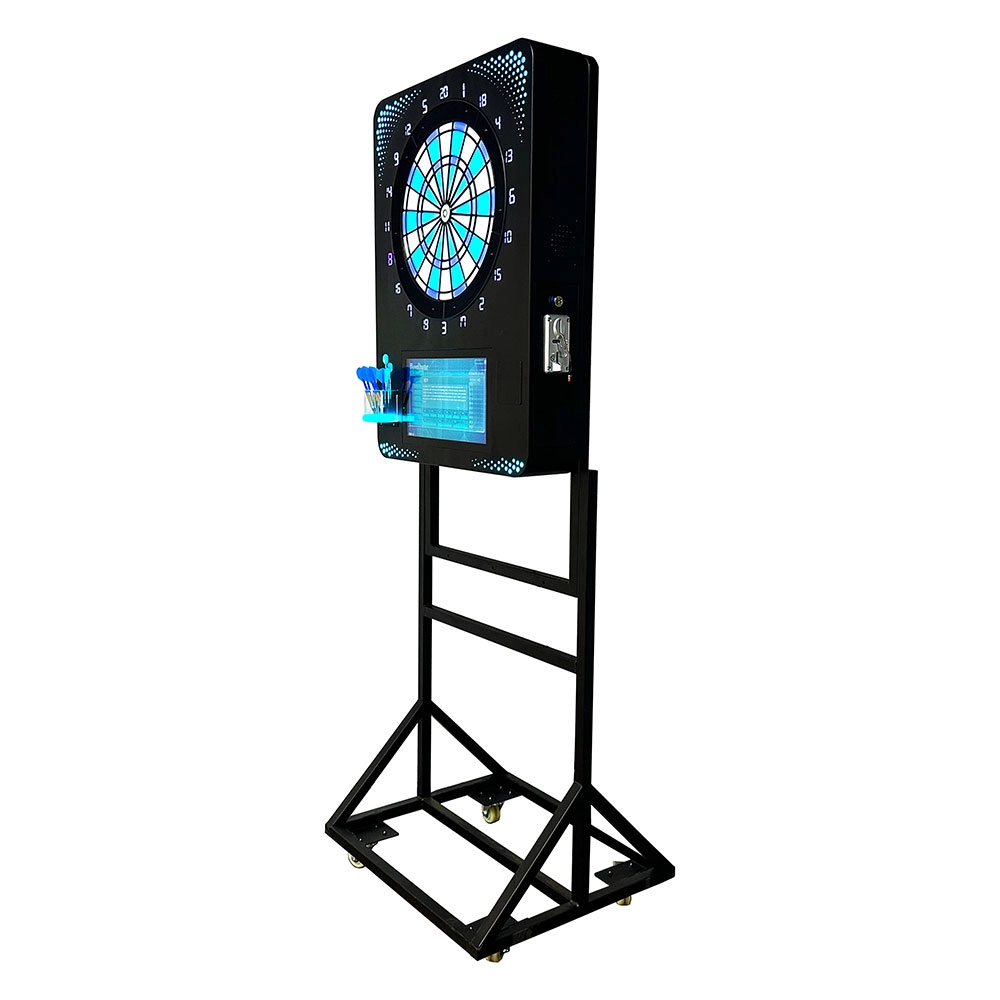
Neofuns Coin Operated Arcade Game Fun Darts Machine Mini – Removable Base Mini Style Dartboard Suitable for Home Use
A high-density fiberboard surface with embedded micro-sensors and an electronic scoring system tracks dart positions in real-time (0.1% error rate), eliminating manual scorekeeping. Classic games (e.g., 301, Cricket) and customizable rules, plus "Silent Mode" for noise-sensitive environments. Perfect for pubs, homes, and offices. A 360° safety rim prevents bounce-outs, with a child lock for family use.

Neofuns Coin Operated Arcade Game Fun Darts Machine Max – Electronic Dartboard with 32-inch HD Touch Screen for Family Entertainment Center
This smart dartboard perfectly combines classic sports with cutting-edge technology. Based on Fun Darts 5, it is designed with a high-definition touch screen and split installation, which is simple and fashionable. The professional self-repairing sisal target surface is replaceable and durable, making it easy to use for both training and entertainment.
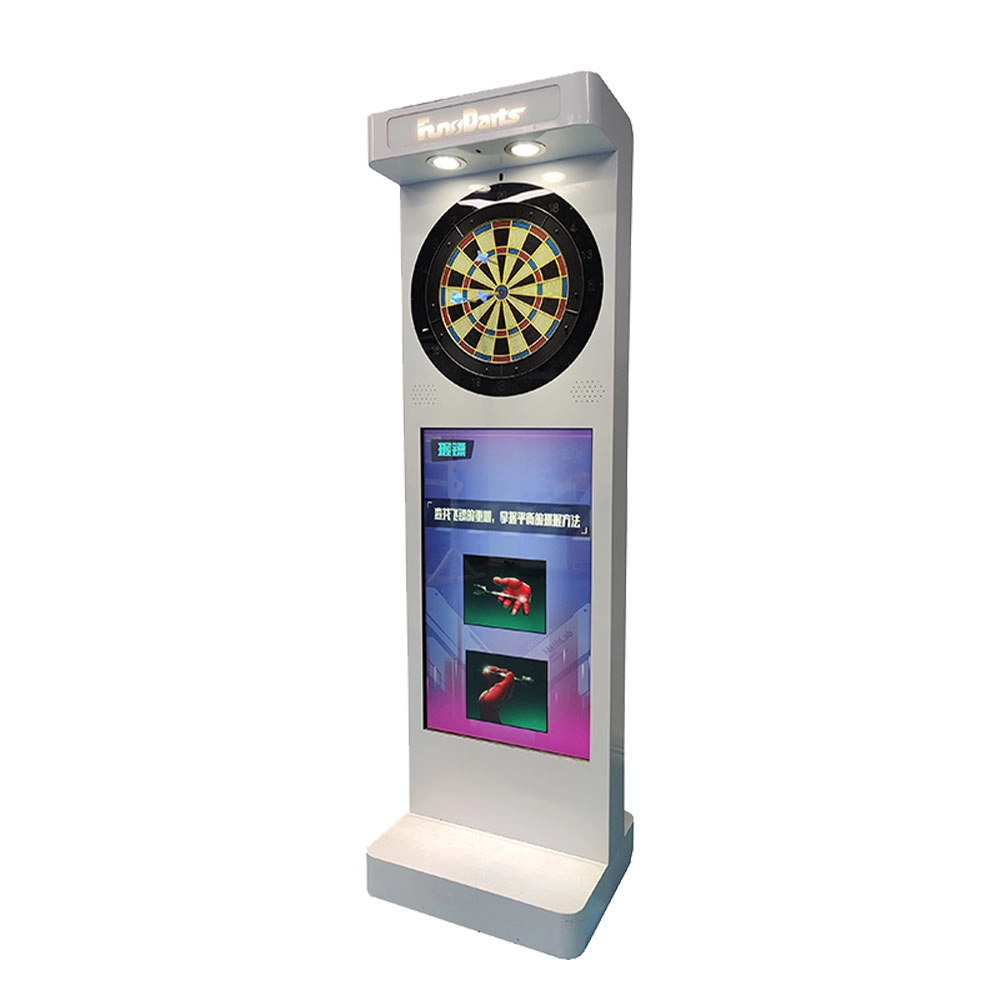
Neofuns Electronic Arcade Darts Machine S – Coin Operated Fun Dart Game with Soft Tip & Metal Tip Options, Stand-Up Electronic Dartboard for Arcade
Create private leagues for corporate unions, clubs, or friends with customizable rules (e.g., round-robin, knockout), syncing team rankings and individual contributions to boost collaboration. Branded interfaces and dartboards for company-themed tournaments.
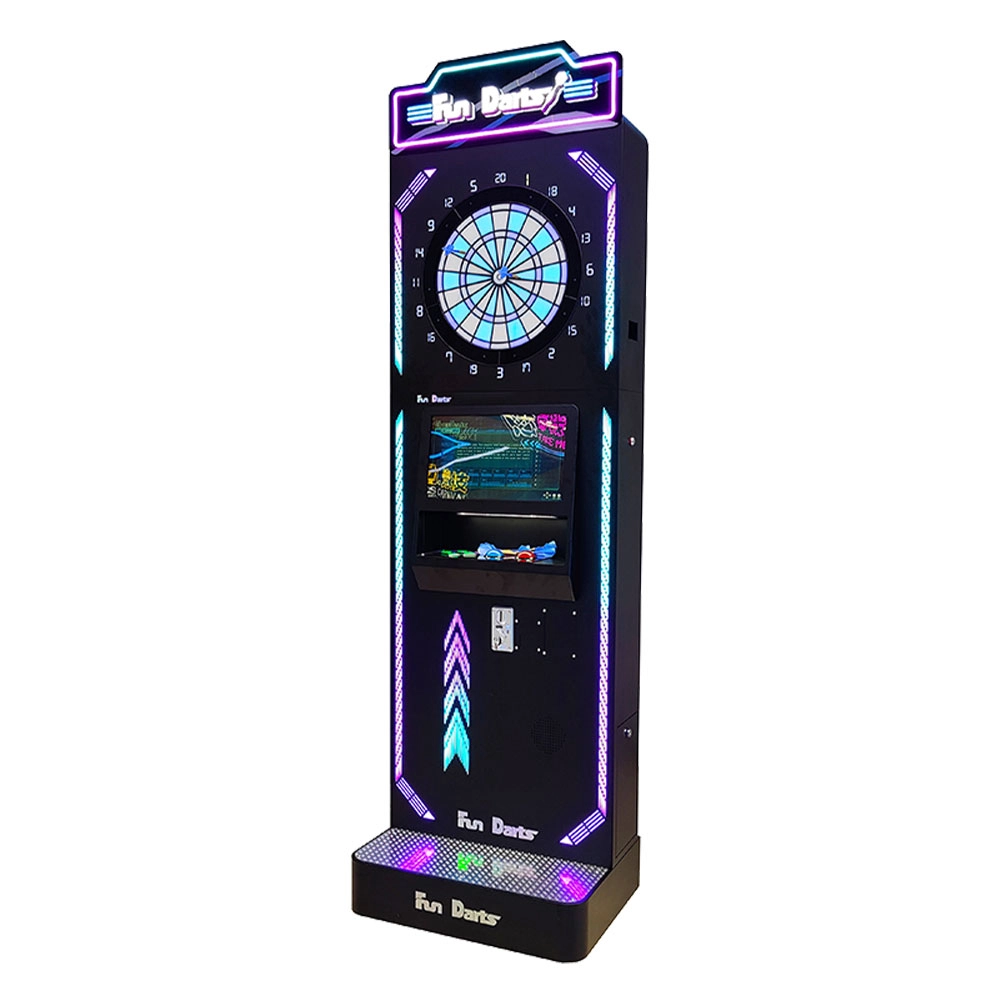
Neofuns Coin Operated Arcade Game Fun Darts Machine V –Cool Streamlined Appearance and Lighting Stand-Up Dart Machine for Arcade & Entertainment Venue
This smart dartboard seamlessly blends classic sport with cutting-edge tech,enjoy 30+ game modes and real-time multiplayer battles with dynamic animations. Professional self-healing sisal board with replaceable surfaces ensures durability for both training and entertainment.
Enjoyed the Read? Let’s Take the Next Step
Whether you're exploring the arcade industry or planning your next project, Neofuns is here to support you. Leave your details below and our team will provide personalized assistance and product recommendations.
Leading Electronic Dart Machine Manufacturer
NEOFUNS
NEOFUNS
NEOFUNS