


Send My Customization Request
Light
Dark
System
Troubleshooting Common Electronic Dart Board Problems and Fixes
Practical, step-by-step guide to troubleshooting common electronic dart board problems and fixes. Learn diagnostics, quick repairs, preventative maintenance, and when to contact Neofuns for support.
- Troubleshooting Common Electronic Dart Board Problems and Fixes
- Why This Guide Helps You Diagnose and Fix Problems Fast
- Quick Safety and Preparation Checklist
- Common Problem: Power Issues and No Power
- Causes
- Fixes
- Common Problem: Scoring Errors or Missed Segments
- Causes
- Fixes
- Common Problem: Display or Software Glitches
- Causes
- Fixes
- Common Problem: False Double-Scoring or Ghost Hits
- Causes
- Fixes
- Common Problem: Physical Damage and Sticky or Jamming Darts
- Causes
- Fixes
- Maintenance Best Practices to Prevent Common Failures
- Weekly
- Monthly
- Yearly
- When to Repair vs. When to Replace
- Manufacturer Support and Warranty Considerations
- Tips for FEC and Commercial Operators
- Conclusion: Fast Diagnosis, Smart Fixes, and Reliable Partners
- Common Questions and Answers
Troubleshooting Common Electronic Dart Board Problems and Fixes
Electronic dart boards are popular in game centers, bars, and homes because they make scoring easier and support a wide range of games. However, like any electronic device, they sometimes suffer from common faults: mis-scoring, unresponsive segments, power issues, or software glitches. This guide explains how to diagnose and repair these typical issues, offers best-practice maintenance, and helps you decide when to contact a manufacturer such as Neofuns Amusement Equipment Co., Ltd. for professional support.
Why This Guide Helps You Diagnose and Fix Problems Fast
behind “Troubleshooting Common Electronic Dart Board Problems and Fixes” is largely practical and commercial: users want actionable instructions to restore functionality quickly, learn how to prevent recurring issues, and evaluate repair vs. replacement costs. This article is designed for operators of FECs, arcade technicians, venue owners, and home users who need reliable steps that minimize downtime and maintain customer satisfaction.
Quick Safety and Preparation Checklist
Before attempting any repairs, follow these safety basics to protect yourself and the board:
- Unplug the dart board from power before opening or handling internal parts.
- Work in a clean, well-lit area. Use an anti-static wrist strap if available for PCB work.
- Have a basic toolkit: Phillips/flat screwdrivers, needle-nose pliers, multimeter, compressed air, cleaning alcohol, and soft cloths.
- Keep spare replacement parts on hand for high-usage venues: fuses, power adapters, sensor arrays, and common screws.
Common Problem: Power Issues and No Power
Symptoms: The board shows no lights, the display is blank, or the machine does not power on. Power problems are among the most frequent causes of downtime in electronic dart boards.
Causes
Failed power adapter, blown internal fuse, loose AC connection, or damaged power switch.
Fixes
- Check wall outlet and power cable: plug a different device into the outlet to confirm it supplies power.
- Inspect the adapter and cable for visible damage. If your board uses an external adapter, try a compatible replacement rated for the board’s voltage and current.
- Open the unit (if trained) and check internal fuses with a multimeter. Replace blown fuses with the same rating.
- Examine the power switch and connectors for corrosion or loose wiring; reseat connectors securely.
Common Problem: Scoring Errors or Missed Segments
Symptoms: Scores are inconsistent, darts in the same segment register differently, or certain segments never register.
Causes
Mechanical wear of segment sensors, dirt or dust on sensors, bent wiring, aging wiring harness, or software calibration drift. In soft-tip electronic boards, damage to the plastic scoring rings or holes may also cause misreads.
Fixes
- Power cycle the board: sometimes a reboot restores sensor calibration.
- Perform a calibration or sensor test if your board’s menu supports diagnostics. This often isolates which segment(s) are faulty.
- Clean the board surface gently with compressed air and isopropyl alcohol on a soft cloth—ensure no liquid seeps into the electronics.
- Check ribbon cables and connectors to the sensor PCB; reseat or replace if frayed or loose.
- If specific sensor modules are replaceable, swap suspected modules with known-good ones to confirm failures.
- For soft-tip boards, check and replace worn scoring rings or replace the target face if punctured or warped.
Common Problem: Display or Software Glitches
Symptoms: Incorrect game modes, frozen menu, garbled messages, or inaccurate timers.
Causes
Firmware bugs, corrupted memory, interrupted updates, or faulty control board components.
Fixes
- Restart the unit fully by powering down for 30 seconds then restarting.
- Check for available firmware updates from your manufacturer. Updating firmware can fix bugs, but always follow the manufacturer’s instructions to avoid bricking the board.
- If the unit supports a factory reset, back up settings (if possible) and perform a reset to clear corrupted settings.
- If problems persist after updates and resets, record error codes or behaviors and contact technical support (include serial number and firmware version).
Common Problem: False Double-Scoring or Ghost Hits
Symptoms: The board records additional hits without darts striking the surface or registers double hits from a single throw.
Causes
Electrical noise, flakey sensors, loose wires, or static electricity discharge can create phantom inputs.
Fixes
- Power down and check all sensor connectors; ensure connectors are firmly seated and cables are intact.
- Improve grounding: ensure the unit is connected to a properly grounded outlet. For commercial venues, verify circuit grounding with an electrician.
- Use shielded cables for any extended wiring runs and avoid routing cables near high-current equipment (e.g., refrigeration or heat lamps).
- If overheating or condensation is present in humid venues, install climate control or protective covers to reduce moisture-related electrical issues.
Common Problem: Physical Damage and Sticky or Jamming Darts
Symptoms: Darts get stuck, the board surface shows tears, or segments become loose. This is more common in heavily used FEC or bar environments.
Causes
Aggressive play, incorrect dart types (steel-tip thrown at soft-tip boards), or weakened mounting hardware.
Fixes
- Use the correct dart type: soft-tip darts for electronic boards designed for resin targets, and steel-tip for bristle boards only.
- Regularly inspect and replace worn target faces or scoring rings. Neofuns and other manufacturers offer OEM replacement parts specific to each model.
- Ensure proper mounting and backing: a securely mounted board reduces flex and prevents repeated damage.
- Educate customers/employees with clear signage about allowed dart types and safe play rules.
Maintenance Best Practices to Prevent Common Failures
Preventive maintenance reduces downtime and repair costs. For game center operators, a predictable maintenance schedule preserves revenue and guest satisfaction.
Weekly
- Visual inspection for damage, dirt, or loose parts; quick surface cleaning.
- Check power connections and ensure the unit is on a stable surface with adequate ventilation.
Monthly
- Run full diagnostics and sensor tests; calibrate as needed.
- Inspect internal wiring, fuses, connectors, and replace consumables (scoring rings, nets) where appropriate.
Yearly
- Deep-clean internal electronics with compressed air, replace worn modules, and perform firmware updates.
- Consider professional servicing for units with heavy play (FECs, bars) to ensure longevity.
When to Repair vs. When to Replace
Deciding whether to repair or replace a board depends on the cost of parts and labor, the board’s age, and venue priorities. For commercial operators, minimizing downtime and offering consistent guest experiences are top priorities.
Consider replacement when:
- Repair cost exceeds 50% of a new unit’s cost.
- Multiple sensors or the main control board fail and parts are obsolete.
- The unit is older than 7–10 years and lacks support or compatible replacement parts.
Repair is often preferable when the fault is isolated (single sensor, fuse, or connector). OEM parts from trusted suppliers like Neofuns help ensure compatibility and maintain performance standards.
Manufacturer Support and Warranty Considerations
If your board is under warranty, consult the manufacturer before performing repairs that might void coverage. Neofuns Amusement Equipment Co., Ltd., for example, provides OEM and ODM support, product purchase guidance, and after-sales service. Neofuns’ factory certifications (including BV and TUV inspections, and common product marks such as CE, RoHS, and UL where applicable) reflect a commitment to quality and safety—important when sourcing replacement parts or new units.
When contacting support, have these details ready:
- Model number and serial number
- Description of the fault and steps already taken
- Photos or short video showing the issue
- Firmware version and purchase date (if available)
Tips for FEC and Commercial Operators
For operators managing multiple machines, create a simple tracking sheet to record maintenance, failures, and part replacements. Rotate units into light duty during big events to reduce wear. Train staff on quick resets, basic cleaning, and how to log faults for technicians to address.
Choosing a reliable manufacturer and supplier is crucial. Neofuns has participated in major industry exhibitions since 2012 and offers one-stop services including design, OEM/ODM development, and after-sales support. Their product range and certifications make them a candidate partner for venues seeking durable electronic dart solutions. For details, visit https://www.neofunsdarts.com/.
Conclusion: Fast Diagnosis, Smart Fixes, and Reliable Partners
Addressing common electronic dart board issues quickly requires a mix of systematic diagnosis, sensible repairs, and preventive maintenance. Many problems—power faults, sensor misreads, software glitches, and physical damage—can be fixed on-site by following the steps above. For complex faults or warranty-covered units, contact the manufacturer or an authorized service provider. Working with reputable suppliers such as Neofuns ensures access to OEM parts, certified products, and professional after-sales service that keeps your machines running and your customers playing.
Regular maintenance, correct dart types, and staff training dramatically reduce downtime and extend your equipment’s life. Use the troubleshooting steps in this guide to recover operations fast and make informed repair-or-replace decisions based on part costs, age, and machine role in your venue.
Common Questions and Answers
What should I check first if my electronic dart board won’t turn on?
Unplug and check the wall outlet with another device, inspect the power cable and adapter for damage, then check internal fuses if accessible. If under warranty, contact the manufacturer before internal repairs.
How do I stop double scoring or ghost hits?
Ensure solid grounding to the outlet, reseat sensor connectors, avoid running signal cables near heavy electrical equipment, and reduce humidity in the board area. If problems persist, check sensor modules for faults.
Can I update the dart board firmware myself?
Many modern boards support user updates, but always follow the manufacturer’s instructions exactly and ensure a stable power source during the update. If unsure, contact technical support to avoid bricking the unit.
How often should I replace scoring rings or the target face in a commercial venue?
Inspect monthly for heavy-use venues and expect to replace scoring rings or faces every 6–24 months depending on usage. High-traffic environments often need parts replaced more frequently.
When should I call professional service or the manufacturer?
Call professional service for control board failures, repeated sensor faults, corrupted firmware that a factory reset doesn’t resolve, or if the unit is under warranty. Provide serial numbers, photos, and a description of troubleshooting steps taken.
Is it okay to use steel-tip darts on an electronic board?
No. Only use soft-tip darts for electronic dart boards designed for resin or plastic targets. Steel-tip darts will damage the surface and void warranties in most cases.
Tags
coin operated dart machine for sale
coin operated dart machine for sale
coin operated dart machine suppliers
coin operated dart machine suppliers
digital dart machine
digital dart machine
darts electronic machine
darts electronic machine
electronic dart machine
electronic dart machine
stand-up arcade dartboard
stand-up arcade dartboard
Recommended for you
How to Set Up a Dart Arcade Machine at Home or in a Bar
Dart Arcade Machine Maintenance and Common Repairs: Complete Guide
Why choose Neofuns as your electronic dart arcade machine supplier
Tips for buy coin operated electronic dart machines
Prdoucts Categories
Question you may concern
Darts Machine
Can I customize special specifications and packaging?
Yes,we support customization of appearance,program,organization, etc.
How to ensure product quality?
The products are produced in strict accordance with the production process.All core accessories are fully inspected before going online.After production is completed, a non-stop aging test for at least 8-12 hours.It can only be packaged after being fully inspected and signed by QC teams.Stable quality,2% failure rate, good customer reputation.
Can you provide corresponding prize purchasing services?
Yes, we provide prize options,one-stop shopping.
Where can this machine be installed?
Perfect for arcades, bars, family entertainment centers (FECs), hotels, and even large home game rooms. The compact design fits most spaces while meeting commercial safety standards.
After-Sales Service
Are there any other after-sales guarantees?
24-hour Online Service, supporting multi-language online technology and after-sales support.
You may also like

Neofuns Coin Operated Arcade Game Fun Darts Machine Max – Electronic Dartboard with 32-inch HD Touch Screen for Family Entertainment Center
This smart dartboard perfectly combines classic sports with cutting-edge technology. Based on Fun Darts 5, it is designed with a high-definition touch screen and split installation, which is simple and fashionable. The professional self-repairing sisal target surface is replaceable and durable, making it easy to use for both training and entertainment.
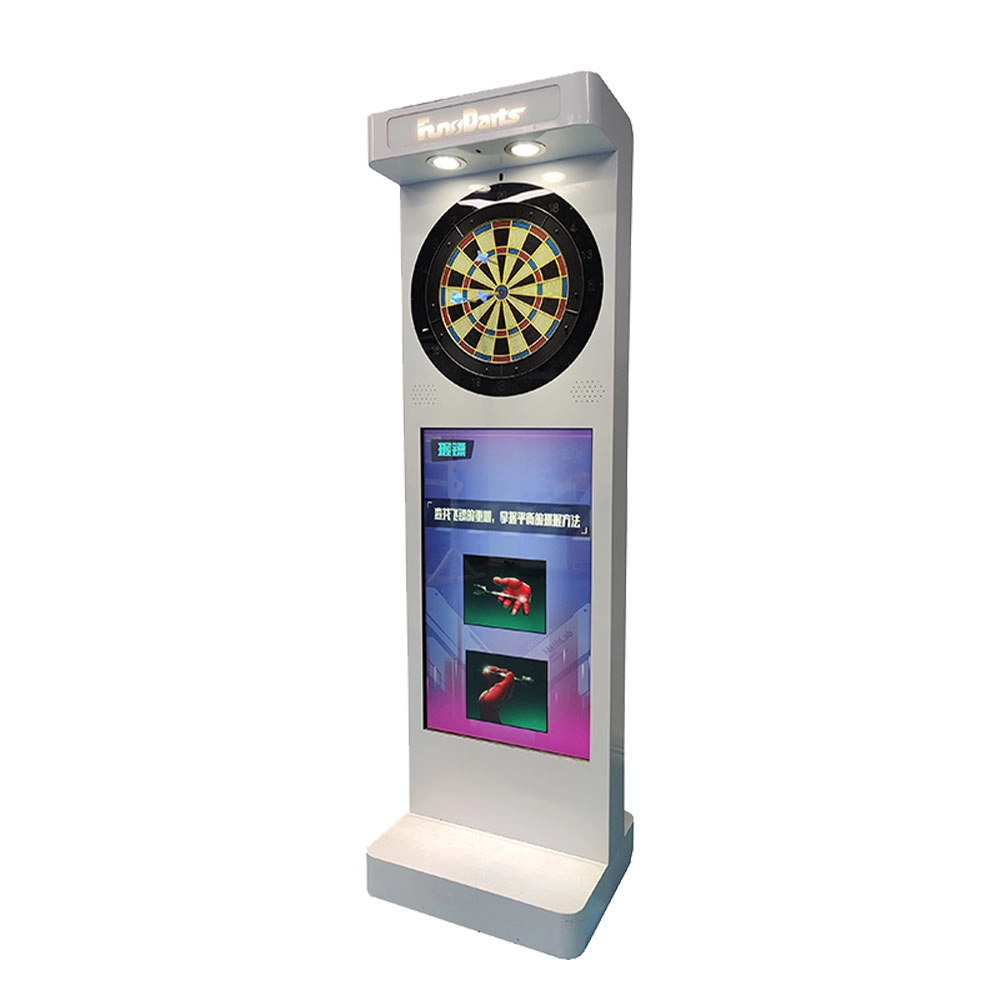
Neofuns Electronic Arcade Darts Machine S – Coin Operated Fun Dart Game with Soft Tip & Metal Tip Options, Stand-Up Electronic Dartboard for Arcade
Create private leagues for corporate unions, clubs, or friends with customizable rules (e.g., round-robin, knockout), syncing team rankings and individual contributions to boost collaboration. Branded interfaces and dartboards for company-themed tournaments.
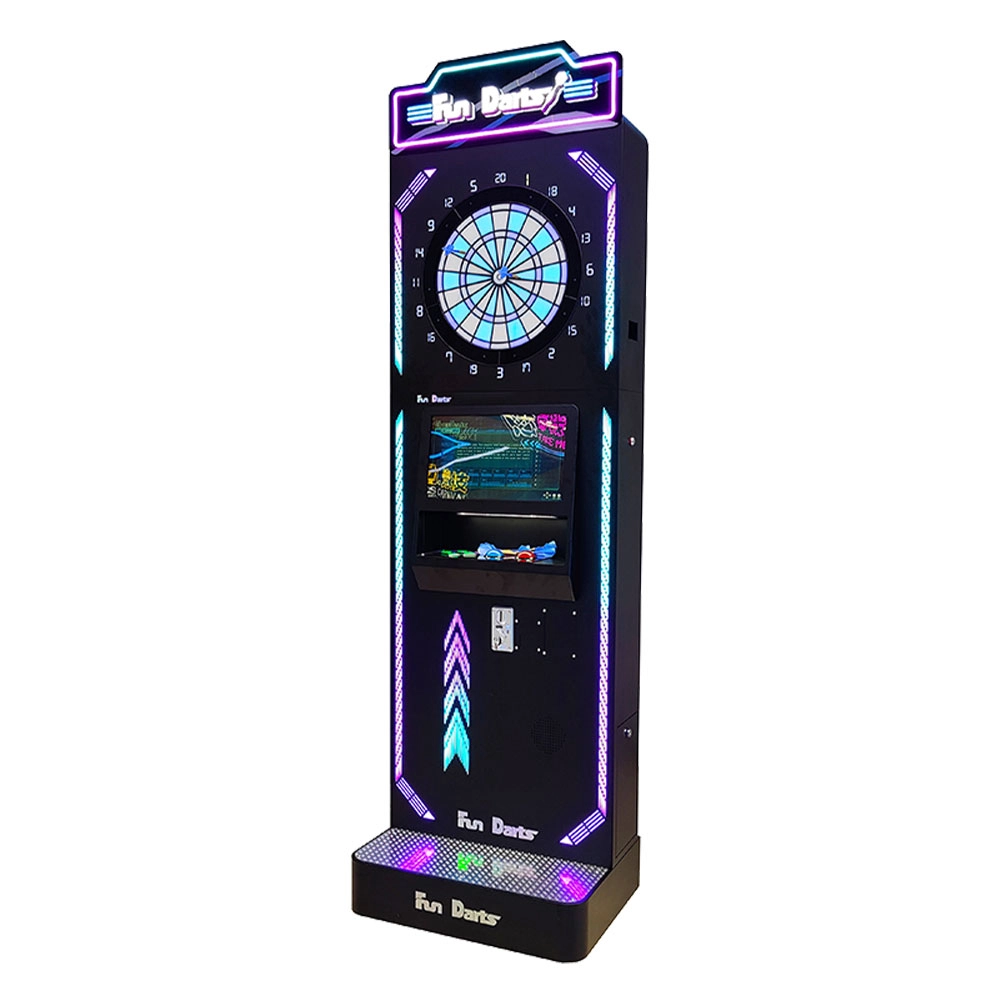
Neofuns Coin Operated Arcade Game Fun Darts Machine V –Cool Streamlined Appearance and Lighting Stand-Up Dart Machine for Arcade & Entertainment Venue
This smart dartboard seamlessly blends classic sport with cutting-edge tech,enjoy 30+ game modes and real-time multiplayer battles with dynamic animations. Professional self-healing sisal board with replaceable surfaces ensures durability for both training and entertainment.
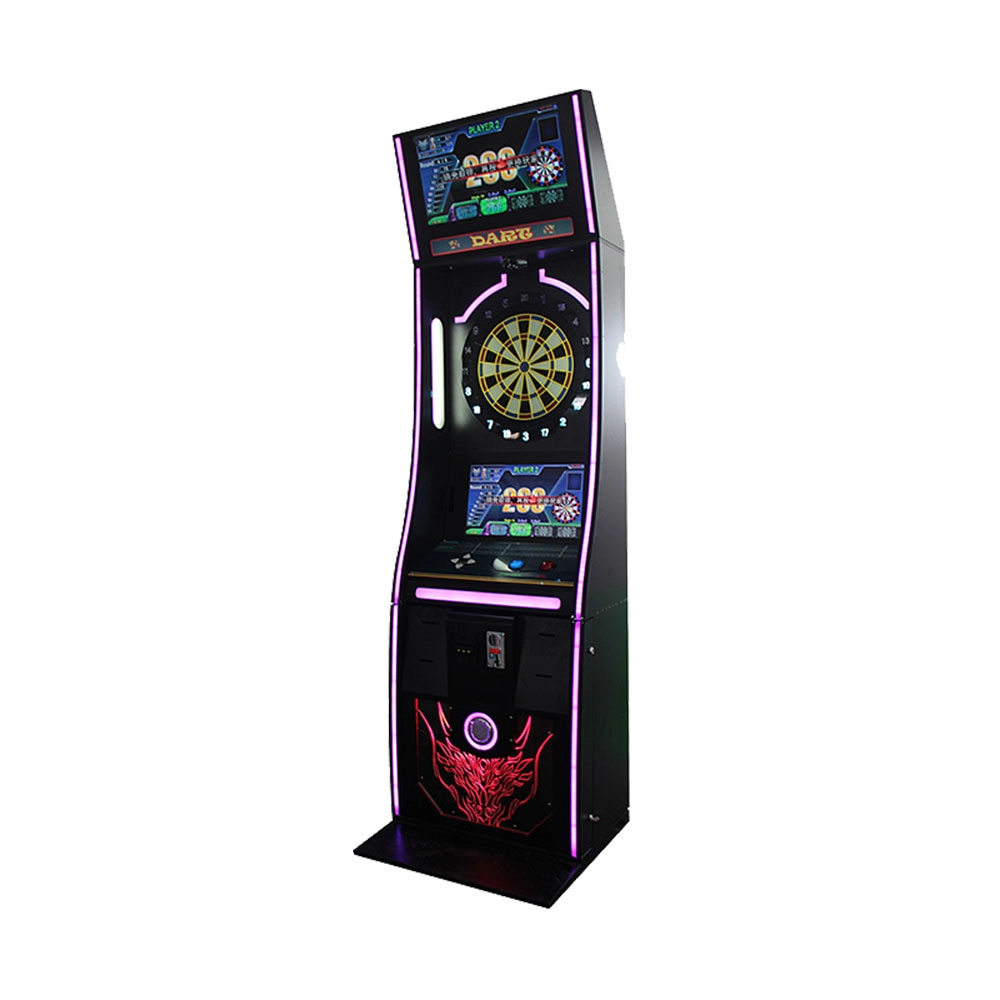
Neofuns Coin Operated Arcade Game Fun Darts Machine I – 32-inch Display on the Top Featuring Coin-operated And Arcade-style Designs
Equipped with high-precision infrared sensors, it tracks dart trajectories in real time and auto-scores, eliminating manual errors for fair competition. 30+ built-in game modes (e.g., "301 Battle, Fun Training") cater to all skill levels, supporting solo play, local multiplayer, and global online matches. Monetize via pay-per-play, sponsored tournaments, or brand partnerships (commercial); a one-time investment unlocks lifelong family entertainment.
Get in touch with us
If you have any comments or good suggestions, please leave us a message, later our professional staff will contact you as soon as possible.
Leading Electronic Dart Machine Manufacturer
NEOFUNS
NEOFUNS
NEOFUNS