


Send My Customization Request
Light
Dark
System
How to Calibrate Your Electronic Dart Board Arcade Machine: A Practical Guide
Step-by-step guide to calibrate your electronic dart board arcade machine for accurate scoring and reliable operation. Covers preparation, calibration modes, sensor mapping, sensitivity tuning, testing, maintenance, and troubleshooting with actionable tips for arcade owners and operators.
- Introduction: Why Proper Calibration Matters for Electronic Dart Board Arcade Machines
- Business Value of Accurate Calibration
- Understanding : What Users Want from How to Calibrate Your Electronic Dart Board Arcade Machine
- User Goals and Expected Outcomes
- Preparation: Tools, Safety, and Initial Checks
- Required Tools and Supplies
- Safety and Power Procedures
- Step-by-Step Calibration Process
- Step 1 — Visual Inspection and Cleaning
- Step 2 — Firmware and Software Check
- Step 3 — Enter Calibration Mode
- Step 4 — Sensor Mapping and Segment Alignment
- Step 5 — Adjust Debounce and Sensitivity Settings
- Step 6 — Calibration for Dart Types and Weights
- Step 7 — Run Full Test Games and Logging
- Comparison: Manual vs. Automatic Calibration Methods
- Quick Comparison Table
- Troubleshooting Common Calibration Issues
- Issue: Intermittent Missed Segments
- Issue: Overly Sensitive or False Reads
- Issue: Firmware-Linked Scoring Errors
- Preventative Maintenance and Calibration Schedule
- Recommended Routine Checks
- When to Contact Professional Support or Replace Components
- Signs You Need a Technician or Replacement Parts
- Conclusion: Achieving Reliable Scoring and Minimal Downtime
- Summary and Business Takeaway
- FAQ
- References and Sources
Introduction: Why Proper Calibration Matters for Electronic Dart Board Arcade Machines
Business Value of Accurate Calibration
For arcade owners and FEC operators, accurate scoring on an electronic dart board arcade machine directly affects player satisfaction and revenue. Calibration ensures fair play, reduces customer complaints, and minimizes downtime—key keywords: arcade maintenance, dart board calibration.
Understanding : What Users Want from How to Calibrate Your Electronic Dart Board Arcade Machine
User Goals and Expected Outcomes
When users search this keyword they typically want a clear, actionable process to restore or improve scoring accuracy. They expect step-by-step instructions, tools required, common problems and fixes, and testing procedures. This guide is designed to meet that intent and help operators perform reliable calibrations with minimal interruption to operations.
Preparation: Tools, Safety, and Initial Checks
Required Tools and Supplies
Before calibrating, gather essential items: a stable ladder or step stool, a soft cloth and isopropyl alcohol for cleaning, a Phillips screwdriver or security bit set, replacement sensors/LEDs if available, a basic multimeter, and a calibration dart if the manufacturer provides one. keywords: arcade parts, replacement sensors.
Safety and Power Procedures
Always power down the machine and unplug the unit before opening access panels. Follow local electrical safety practices and the manufacturer's service manual. For machines installed in public spaces, place a visible notice to prevent customer access during servicing.
Step-by-Step Calibration Process
Step 1 — Visual Inspection and Cleaning
Start by inspecting the board face, segments, wiring harnesses, and the backplane. Clean the segment holes and sensor areas with a soft cloth and isopropyl alcohol. Debris and sticky residue are common causes of misreads. keywords: dart board cleaning service, maintenance.
Step 2 — Firmware and Software Check
Check whether the machine firmware is up to date. Manufacturers periodically release updates that improve scoring algorithms and sensor handling. Update the machine per the manufacturer's instructions before attempting calibration.
Step 3 — Enter Calibration Mode
Most electronic dart boards have a dedicated calibration or test mode accessed from the service menu. Consult your operator manual to enter this mode safely—typical steps involve holding specific buttons on the control panel while powering up. Once in calibration mode, follow on-screen prompts or LED indicators to begin sensor mapping. Keywords: service menu, operator manual.
Step 4 — Sensor Mapping and Segment Alignment
In calibration mode, the system will register hits across segments to identify sensor offsets. Use either a calibration dart (soft-tip or steel-tip per machine type) or a tool recommended by the manufacturer to trigger each target area. Ensure each segment responds consistently. If certain segments consistently miss, inspect or replace the underlying sensor or check connector continuity.
Step 5 — Adjust Debounce and Sensitivity Settings
Electronic boards use debounce logic and sensitivity thresholds to filter false triggers. If the board falsely registers close misses, slightly increase the debounce or lower sensitivity. If it ignores legitimate light hits, reduce debounce or raise sensitivity. Make incremental adjustments and retest. Keywords: sensitivity tuning, debounce settings.
Step 6 — Calibration for Dart Types and Weights
Dart weight and tip type (soft vs steel) affect impact characteristics. Many arcade machines allow setting profiles for common dart weights. If customers use atypical darts, consider setting a more permissive sensitivity or provide operator notes. For public arcades, standardize supplied darts to reduce variability and complaints.
Step 7 — Run Full Test Games and Logging
After adjustments, run multiple test games across different players and throw styles. Log outcomes for at least 10–20 throws per segment to detect inconsistencies. Keep a calibration log including date, firmware version, settings changed, and parts replaced for future reference. keywords: maintenance log, operator support.
Comparison: Manual vs. Automatic Calibration Methods
Quick Comparison Table
Choose the method that fits your operation scale and manpower.
| Method | Pros | Cons | Best For |
|---|---|---|---|
| Automatic (Built-in) | Fast, user-friendly, often guided by firmware | May not catch intermittent sensor faults; limited manual control | Small arcades, quick maintenance |
| Manual (Technician) | Granular control, can isolate hardware faults, better for complex issues | Requires trained staff and more time | Large FECs, repair shops |
Troubleshooting Common Calibration Issues
Issue: Intermittent Missed Segments
Check for loose connector pins, frayed wiring, or warped segment plates. Perform a continuity test with a multimeter and reseat connectors. If issues persist, swap sensors with a known-good board to isolate the fault.
Issue: Overly Sensitive or False Reads
Increase debounce time or slightly lower sensitivity. Clean the board to remove conductive residues. In humid environments, moisture can temporarily affect sensor responsiveness—consider dehumidification where practical.
Issue: Firmware-Linked Scoring Errors
Reinstall or roll back firmware only if recommended by technical support. Keep a backup of current settings before any firmware change.
Preventative Maintenance and Calibration Schedule
Recommended Routine Checks
For high-usage arcade machines, perform a quick inspection and cleaning weekly, a calibration check monthly, and a full service including firmware review and sensor tests every 3–6 months. Maintain a spare parts kit (sensors, connectors, fuses) on-site to minimize downtime. Keywords: maintenance schedule, spare parts kit.
When to Contact Professional Support or Replace Components
Signs You Need a Technician or Replacement Parts
If repeated calibration attempts fail to stabilize scoring, or if you observe hardware damage (cracked targets, burned electronics, persistent wiring faults), engage trained technicians. For arcade operators seeking OEM support, Neofuns Amusement Equipment Co., Ltd. offers OEM/ODM services, spare parts sourcing, and after-sale support to keep your fleet game-ready.
Conclusion: Achieving Reliable Scoring and Minimal Downtime
Summary and Business Takeaway
Correct calibration of your electronic dart board arcade machine is essential for player trust, revenue, and operational efficiency. Follow a structured approach—prepare, inspect, update firmware, map sensors, tune sensitivity, and test thoroughly. Keep logs and a maintenance schedule to prevent recurring issues. For large-scale operations, leverage OEM support and certified parts to maintain top performance.
FAQ
How often should I calibrate my electronic dart board arcade machine?Monthly checks for standard usage, weekly visual inspections for high-traffic locations, and full calibration every 3–6 months depending on playload.
Can I calibrate the machine myself or do I need a technician?Basic cleaning and automatic calibration can be done by trained staff. For persistent sensor faults, wiring issues, or firmware problems, hire a trained technician or contact your manufacturer for support.
What tools do I need to calibrate my dart board properly?Essential tools: soft cloth, isopropyl alcohol, screwdriver/security bits, basic multimeter, calibration darts (if provided), and a maintenance log for settings and firmware versions.
Will calibration fix all scoring problems?Calibration solves most scoring inconsistencies caused by software settings and alignment. Hardware failures (damaged sensors, worn connectors) require repair or replacement.
Does dart type affect calibration and scoring?Yes. Dart weight and tip type (soft vs steel) change impact behavior. Use consistent darts for public play or configure the machine sensitivity to accommodate the supplied darts.
Why is firmware important for calibration?Firmware controls the scoring algorithms and sensor processing. Updates can improve accuracy, add calibration routines, or fix known bugs—always follow manufacturer guidance when updating firmware.
References and Sources
- Manufacturer service manuals and operator guides from leading electronic dart board brands (user and service documentation).
- Industry safety and equipment certification standards such as CE, RoHS, UL, and ISO-aligned factory certification procedures (general certification references).
- Field best practices from arcade operations and Family Entertainment Center (FEC) maintenance guides and trade exhibition technical discussions (industry reports and operator recommendations).
- Neofuns Amusement Equipment Co., Ltd. product and service descriptions and certification information as provided by the company.
Tags
coin operated electronic dart machines
coin operated electronic dart machines
CE certified electronic dart machine
CE certified electronic dart machine
Neofuns coin operated darts machine
Neofuns coin operated darts machine
dart game machine
dart game machine
electronic dart board machine
electronic dart board machine
electronic bar dart machine
electronic bar dart machine
Recommended for you
How to source and order replacement parts and compatible accessories
Choosing Durable Electronic Dart Machine Boards
OEM/ODM electronic dart boards Manufacturers and Suppliers
OEM and Custom Electronic Dart Machines for Branding
Prdoucts Categories
Question you may concern
Darts Machine
How long will it take for me to receive the goods?
Standard products are delivered within 2 days;customized products will be delivered on time after all order information is confirmed,or even delivered in advance.For large quantities, it usually takes 35-40 days.Small customized, delivery time is within 30days.
Is professional installation required?
No! The machine comes pre-assembled and ready to use. Simply connect to a standard 110V/220V power source and follow the on-screen calibration guide.
Can I customize difficulty levels or branding?
Yes! Adjust scoring rules and difficulty for casual or competitive play. For commercial clients, we offer branding options like logo integration and custom themes.
Product Features
What makes your dart machine different from traditional dartboards?
Our dart machine uses smart sensor technology for automatic scoring, eliminating manual calculations. It supports multiplayer battles and interactive games with various themed modes. The built-in HD screen provides real-time data feedback with sound and light effects, delivering a far superior entertainment experience compared to traditional dartboards.
Purchase & Installation
What are the size and space requirements?
Standard size W70cm×D60cm×H220cm (standalone). Minimum 2m safety zone.Free 3D space planning service available.
You may also like

Neofuns Coin Operated Arcade Game Fun Darts Machine Max – Electronic Dartboard with 32-inch HD Touch Screen for Family Entertainment Center
This smart dartboard perfectly combines classic sports with cutting-edge technology. Based on Fun Darts 5, it is designed with a high-definition touch screen and split installation, which is simple and fashionable. The professional self-repairing sisal target surface is replaceable and durable, making it easy to use for both training and entertainment.
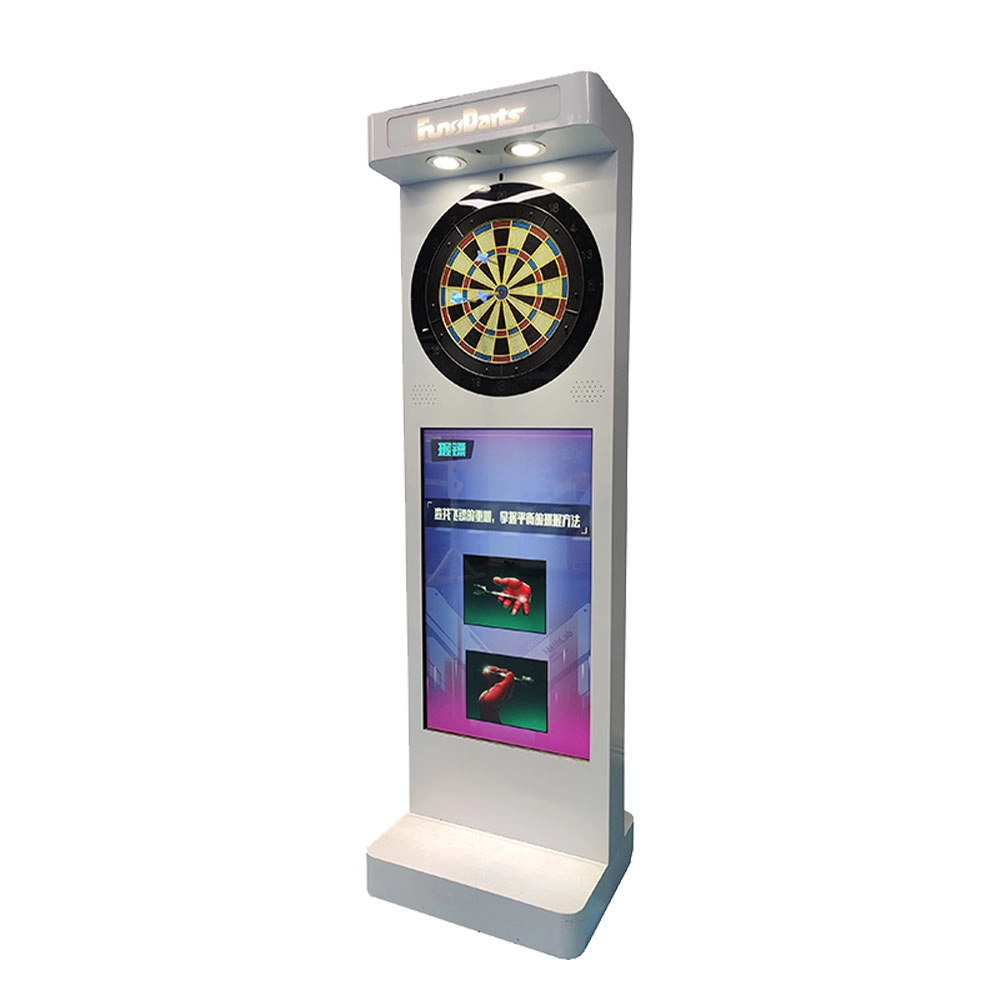
Neofuns Electronic Arcade Darts Machine S – Coin Operated Fun Dart Game with Soft Tip & Metal Tip Options, Stand-Up Electronic Dartboard for Arcade
Create private leagues for corporate unions, clubs, or friends with customizable rules (e.g., round-robin, knockout), syncing team rankings and individual contributions to boost collaboration. Branded interfaces and dartboards for company-themed tournaments.
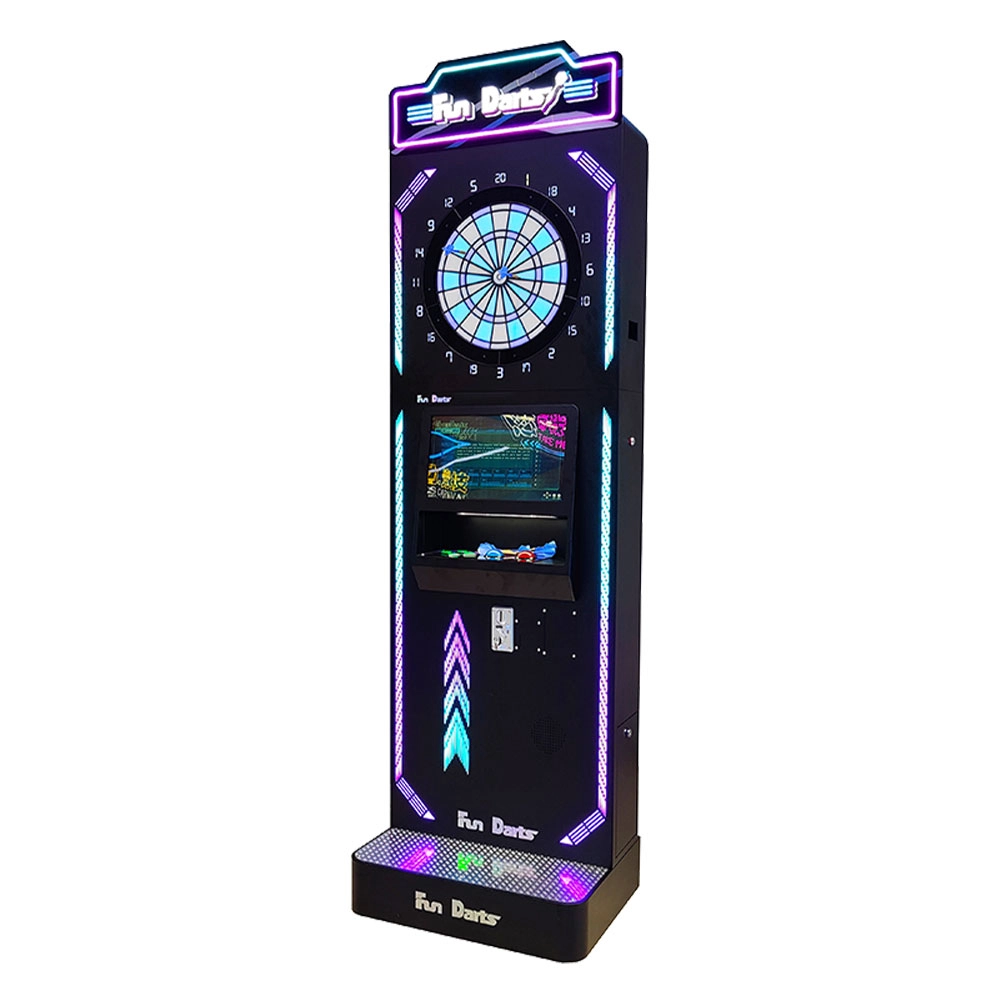
Neofuns Coin Operated Arcade Game Fun Darts Machine V –Cool Streamlined Appearance and Lighting Stand-Up Dart Machine for Arcade & Entertainment Venue
This smart dartboard seamlessly blends classic sport with cutting-edge tech,enjoy 30+ game modes and real-time multiplayer battles with dynamic animations. Professional self-healing sisal board with replaceable surfaces ensures durability for both training and entertainment.
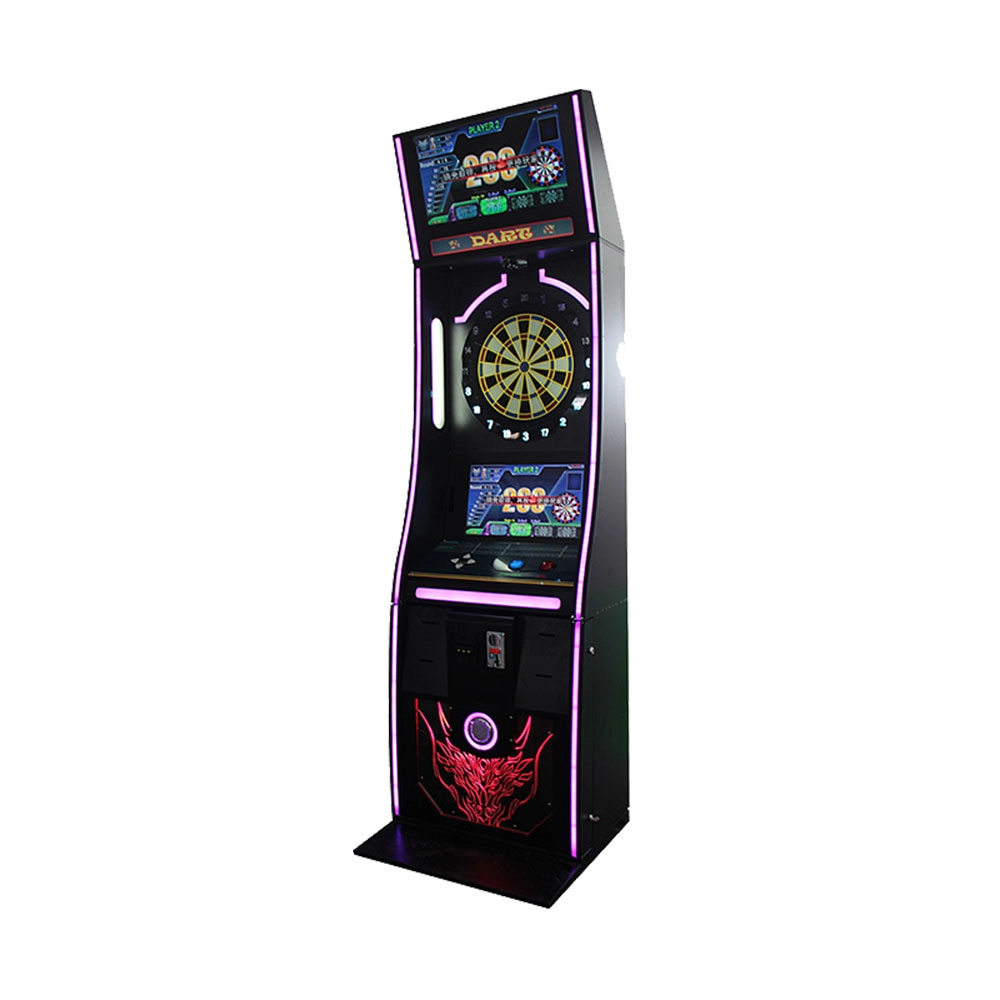
Neofuns Coin Operated Arcade Game Fun Darts Machine I – 32-inch Display on the Top Featuring Coin-operated And Arcade-style Designs
Equipped with high-precision infrared sensors, it tracks dart trajectories in real time and auto-scores, eliminating manual errors for fair competition. 30+ built-in game modes (e.g., "301 Battle, Fun Training") cater to all skill levels, supporting solo play, local multiplayer, and global online matches. Monetize via pay-per-play, sponsored tournaments, or brand partnerships (commercial); a one-time investment unlocks lifelong family entertainment.
Get in touch with us
If you have any comments or good suggestions, please leave us a message, later our professional staff will contact you as soon as possible.
Leading Electronic Dart Machine Manufacturer
NEOFUNS
NEOFUNS
NEOFUNS