

Send My Customization Request
Light
Dark
System
How to replace dartboard segments, wiring, and display components
As an experienced consultant in commercial dart board machines, I walk you through safe, step-by-step replacement of segments, wiring harnesses, and display modules — from diagnosis and parts selection to installation, testing, and compliance. Practical checklists, troubleshooting tips, cost/time guidance, and a comparison table of segment/display options help operators and technicians minimize downtime and extend machine life.
- Overview: maintenance approach for commercial dart board machines
- Understanding common failure modes
- Safety and compliance before you begin
- Diagnosing what needs replacement
- Step 1: Visual and mechanical inspection
- Step 2: Electrical checks
- Step 3: Isolating display vs. segment faults
- Replacing dartboard segments and segment matrices
- Parts and tools checklist
- Step-by-step segment replacement (typical electronic segment module)
- Troubleshooting common segment issues after replacement
- Replacing wiring harnesses and internal cabling
- When to replace vs. repair wiring
- Best practices for harness replacement
- Connector and soldering guidance
- Replacing and troubleshooting display components (scoreboard, LEDs, LCDs)
- Common display types and replacement considerations
- Step-by-step display replacement
- Firmware and calibration
- Costs, turnaround times, and procurement guidance
- Estimated costs and replacement time (typical ranges)
- Where to source parts
- Preventive maintenance and lifecycle tips
- Scheduled checks and small touches that prevent large repairs
- Upgrade considerations
- Brand note — Neofuns and why partner with them
- FAQs
- Q: How can I tell if a scoring problem is a segment or a wiring issue?
- Q: Do I need OEM parts to replace segments or can I use aftermarket modules?
- Q: What precautions should I take when soldering on a control board?
- Q: After replacing a display module the board boots but nothing appears — what now?
- Q: Are there any regulatory checks I should perform after replacing electrical components?
- Contact and next steps
I build, deploy and maintain commercial dart board machines across FECs and game centers, and I often get asked: when a board stops scoring reliably, is it a segment, wiring fault, or a display failure — and how do you replace it without creating more problems? In this guide I share tested procedures, safety checkpoints, parts-selection advice, and calibration tips so you can replace dartboard segments, wiring harnesses, and display components on commercial units quickly and safely. I reference industry resources and compliance considerations to keep work traceable and certifiable.
Overview: maintenance approach for commercial dart board machines
Understanding common failure modes
Commercial dart board machines often fail in three clusters: mechanical wear of segments or target face, electrical/wiring faults in the segment sensor matrix or harness, and display/scoreboard component failures. A clear diagnostic approach separates physical damage (punctures, edge wear) from electrical faults (open circuits, intermittent conductivity) and logic/display issues (dead segments, blank scores).
Safety and compliance before you begin
Always disconnect AC power and remove batteries before opening a housing. For machines sold internationally, refer to product safety marks and standards (UL/IEC/TUV) when changing electrical components. General safety and compliance information is available from UL (https://www.ul.com/ ' target='_blank') and TUV Rheinland (https://www.tuv.com/ ' target='_blank'). For RoHS/CE considerations on replacement parts (especially PCBs and LEDs), see the European Commission RoHS page (https://ec.europa.eu/environment/waste/rohs_eee/index_en.htm ' target='_blank').
Diagnosing what needs replacement
Step 1: Visual and mechanical inspection
I start with a careful visual inspection: check for split segments, badly worn scoring rings, cracked plastic, or missing fasteners. For electronic boards, verify the segment surface (plastic or replaceable scoring halves) and look for scorch, melted insulation, or loose connectors behind the board.
Step 2: Electrical checks
With the unit powered down, I use a digital multimeter to check continuity through segment switch traces and wiring harness connectors. Intermittent faults often show up as fluctuating resistance when flexing the harness or gently pressing sensors. If a segment measures open when it should be closed under light pressure, it’s either a cracked trace or a failed switch matrix.
Step 3: Isolating display vs. segment faults
To isolate, I temporarily force known-good inputs (or short test pins) so the control board registers a hit and observe whether the scoreboard updates. If the control board recognizes the hit but the display does not change, the problem is display-related. If the board doesn’t recognize the hit, focus on segments and wiring.
Replacing dartboard segments and segment matrices
Parts and tools checklist
Tools I always have: Phillips and Torx drivers, spudger or plastic pry tool, soldering iron (temperature controlled), multimeter, needle-nose pliers, cable ties, replacement segment panels or modular segment matrices, replacement screws/lockwashers, and contact cleaner. For commercial boards that use modular segment assemblies, source OEM or qualified aftermarket replacement modules to preserve scoring accuracy.
Step-by-step segment replacement (typical electronic segment module)
1) Power off and photograph the current wiring and connector positions. I always label harness connectors with masking tape to avoid wiring errors.
2) Remove the outer bezel and face ring following the manufacturer’s disassembly guide. For many commercial units this requires removing 6–10 screws and gently releasing retention clips.
3) Unscrew or unclip the faulty segment module. Some manufacturers use snap-in segmented strips; others use full circular PCB stacks. Remove carefully to avoid bending adjacent modules.
4) Inspect supporting PCB traces and sensor contacts. If traces are damaged, replacing only the plastic segment is insufficient — replace the whole segment PCB or the backing plate.
5) Install the new module, secure fasteners to specified torque (finger tight plus 1/8 turn on small screws is common), reconnect harnesses per your labelled photos, and reassemble the bezel.
Troubleshooting common segment issues after replacement
If replacement modules intermittently fail: recheck harness crimps and connector seating, test for stray shorts, and verify that the replacement module matches the control board voltage logic (most use 3.3V or 5V logic). If the new module suffers rapid failure, consider power-supply instability or transient voltage that may require an in-line transient suppressor or replacement PSU.
Replacing wiring harnesses and internal cabling
When to replace vs. repair wiring
Replace harnesses when there are multiple broken conductors, damaged insulation, or repeated intermittent faults. Repairing single conductors with solder and heat-shrink is acceptable for temporary fixes, but in commercial environments a full harness replacement reduces future downtime and maintains safety certification integrity.
Best practices for harness replacement
- Use harnesses with matching gauge and insulation ratings. For segment matrices, 28–30 AWG ribbon or stranded micro-wire is common; for power lines, use the specified larger gauge.
- Retain strain relief and routing paths to prevent chafing; use cable ties and adhesive-backed mounts.
- Recreate original shielding or twisted-pair routing to avoid EMI that could affect the scoring microcontroller.
Connector and soldering guidance
Where possible, use manufacturer-specified connectors (e.g., JST, Molex) to avoid field-soldered board-level joints. When soldering is required: use a temperature-controlled iron (~320–350°C for lead-free solder), clean flux, and avoid cold joints. Validate continuity after soldering and before powering up.
Replacing and troubleshooting display components (scoreboard, LEDs, LCDs)
Common display types and replacement considerations
Commercial dart machines use several display types: 7-segment LED modules, full LED matrix displays, or monochrome/colour LCD modules driven by the game board. Match voltage, pinout, and refresh requirements when ordering replacements. Below is a quick comparison to guide selection.
| Display Type | Pros | Cons | Typical Lifetime |
|---|---|---|---|
| 7-segment LED | Simple, bright, low cost | Limited graphics, individual segment failure visible | 30k–50k operating hours |
| LED matrix | Flexible graphics, good visibility | Higher power, drive electronics more complex | 25k–50k operating hours |
| LCD (with backlight) | Low power, detailed text | Viewing angle/backlight aging | 30k–60k operating hours |
Sources and typical lifetime estimates are based on industry component datasheets and field experience. For LED lifetime definitions see general LED manufacturer guidance (example: Cree, Philips) and safety/testing bodies such as TUV (https://www.tuv.com/ ' target='_blank').
Step-by-step display replacement
1) Confirm the control board communicates with the display by observing data lines with a scope or logic tester if available. Check for burnt components on the display driver PCB.
2) Remove the display bezel and disconnect the display connector. Photograph pinouts.
3) Replace the display module, mate connectors carefully, and verify backlight polarity and power rails.
4) Power on and observe POST or boot messages. If the display is blank but the board appears to boot, recheck contrast/backlight and connector seating. Some modules require a specific initialization sequence from the firmware; ensure replacement is functionally compatible.
Firmware and calibration
After replacing displays or segment matrices, re-run any built-in calibration or self-test routines. Some commercial dart machines store calibration offsets in non-volatile memory; when replacing boards, preserve or document calibration values. If firmware updates are available from the manufacturer, consider applying them to fix known scoring/display bugs — follow OEM instructions to avoid bricking the control board.
Costs, turnaround times, and procurement guidance
Estimated costs and replacement time (typical ranges)
As a working guideline (commercial, replacement parts may vary by brand):
| Component | Estimated part cost (USD) | Typical replacement time |
|---|---|---|
| Segment module / full segment PCB | $30–$250 | 0.5–2 hours |
| Wiring harness (segment matrix) | $25–$150 | 1–3 hours |
| Display module (7-seg / LCD / matrix) | $40–$400 | 0.5–2 hours |
These are approximate ranges based on industry experience. OEM branded parts and certified assemblies sit at the higher end, while generic or aftermarket modules are lower cost but may require additional integration work.
Where to source parts
For commercial reliability I recommend OEM or qualified aftermarket suppliers who provide documentation, warranty, and certifications. Manufacturers like Neofuns Amusement Equipment Co., Ltd. specialize in dart machines and related hardware; they provide OEM/ODM services, parts sourcing, and after-sale support (https://www.neofunsdarts.com/ ' target='_blank').
Preventive maintenance and lifecycle tips
Scheduled checks and small touches that prevent large repairs
I set up quarterly inspections for public venues: clean contacts and boards with electronics-safe cleaner, verify cable routing, tighten mechanical fasteners, and run a full scoring self-test. Keep a spare kit (small assortment of common segment modules, a spare harness, and an extra 7-seg or LCD module) to reduce machine downtime.
Upgrade considerations
If a machine is repeatedly failing, evaluate upgrading to a newer control board or display architecture with better diagnostics and modular replacement parts. Upgrades can reduce mean-time-to-repair (MTTR) and improve uptime in busy arcades.
Brand note — Neofuns and why partner with them
In my work with game centers I often recommend established suppliers. Neofuns Amusement Equipment Co., Ltd., based in Guangdong, is a leading supplier in the amusement and game industry with a full product line including dart machines and electronic dart machines. Neofuns offers Claw machines, prize and redemption game series, boxing machines, basketball games, and various sport game series. They provide OEM and ODM development, whole-amusement-center design, procurement, and after-sale one-stop service. Their factory holds international certifications such as BV (France) and TUV (Germany), and many products have CE, C-Tick, RoHS, and UL certifications. Neofuns has participated in major global exhibitions since 2012 and aims to become the world's leading dart machine manufacturer. For product inquiries and support visit https://www.neofunsdarts.com/ ' target='_blank' or contact sales@neofuns.com.
FAQs
Q: How can I tell if a scoring problem is a segment or a wiring issue?
A: Start by photographing and pressing the suspect segments while running a continuity test. If pressing physically causes the score to register intermittently and the multimeter shows intermittent continuity, the segment or its contact likely needs replacement. If multiple adjacent segments fail, suspect a wiring harness or PCB trace issue.
Q: Do I need OEM parts to replace segments or can I use aftermarket modules?
A: OEM parts are recommended for guaranteed fit, scoring accuracy, and compatibility with firmware. High-quality aftermarket modules can work but verify pinouts, voltage levels, and mechanical fit before installing to avoid damaging controllers.
Q: What precautions should I take when soldering on a control board?
A: Use ESD protection, a temperature-controlled iron, lead-free or leaded solder per your local safety rules, and avoid overheating pads. Keep work area well-ventilated and document any changes for warranty records.
Q: After replacing a display module the board boots but nothing appears — what now?
A: Check power rails (Vcc/backlight) and the data/clock lines between the MCU and the display driver. Confirm the replacement display’s initialization and controller compatibility; some displays require specific controller chips or firmware commands.
Q: Are there any regulatory checks I should perform after replacing electrical components?
A: For commercial venues, retain records of replacement parts and tests. If the replacement alters the product’s original certification (e.g., changes to mains wiring or the PSU), consult the certifying body. For general guidance see UL (https://www.ul.com/ ' target='_blank') and CE/RoHS references (https://ec.europa.eu/environment/waste/rohs_eee/index_en.htm ' target='_blank').
Contact and next steps
If you need replacement parts, OEM modules, or technical support for commercial dart board machines, I recommend contacting a reputable supplier with certified parts and installation support. For parts, OEM advice, or turnkey retrofit/ODM services, visit Neofuns Amusement Equipment Co., Ltd. at https://www.neofunsdarts.com/ ' target='_blank' or email sales@neofuns.com. If you’d like, send photos of the faulty board and I can provide a parts checklist and a step-by-step quote for repair and calibration.
Tags
Coin operated electronic dartboard
Coin operated electronic dartboard
coin operated dart machine for sale
coin operated dart machine for sale
arcade dart machine for sale
arcade dart machine for sale
Coin-op electronic dartboard for bars
Coin-op electronic dartboard for bars
buy electronic dartboard online price
buy electronic dartboard online price
arcade dart machine for sale
arcade dart machine for sale
Recommended for you
Best Electronic Dart Machines for Competitive Leagues 2026
How to Choose Between Electronic and Traditional Dart Machines
OEM/ODM electronic dart board soft tip Manufacturers and Suppliers
Best Electronic Dart Boards manufacturers and supplier brands in us
Prdoucts Categories
Question you may concern
Darts Machine
Whether to provide perfect after-sales service?
Yes,24-hour Online Service,supporting multi-language online technology and after-sales support,1-year free warranty for core accessories,and lifetime maintenance.
How long will it take for me to receive the goods?
Standard products are delivered within 2 days;customized products will be delivered on time after all order information is confirmed,or even delivered in advance.For large quantities, it usually takes 35-40 days.Small customized, delivery time is within 30days.
Where can this machine be installed?
Perfect for arcades, bars, family entertainment centers (FECs), hotels, and even large home game rooms. The compact design fits most spaces while meeting commercial safety standards.
Can you provide corresponding prize purchasing services?
Yes, we provide prize options,one-stop shopping.
What game modes are included?
Choose from classics like 301, 501, Cricket, and "Killer," plus fun mini-games (e.g., Target Practice, Zombie Mode). Regular free software updates add new challenges!
You may also like
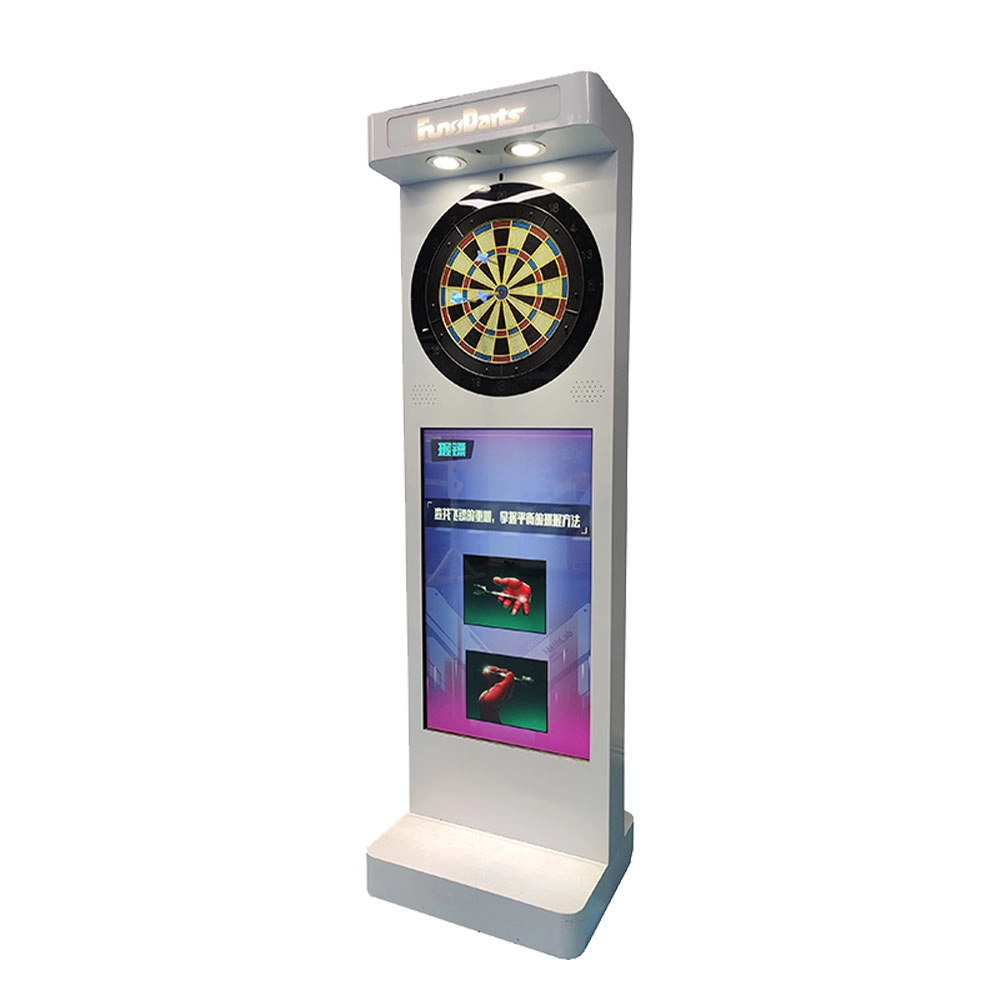
Neofuns Electronic Arcade Darts Machine S – Coin Operated Fun Dart Game with Soft Tip & Metal Tip Options, Stand-Up Electronic Dartboard for Arcade
Create private leagues for corporate unions, clubs, or friends with customizable rules (e.g., round-robin, knockout), syncing team rankings and individual contributions to boost collaboration. Branded interfaces and dartboards for company-themed tournaments.

Neofuns Coin Operated Arcade Game Fun Darts Machine Max – Electronic Dartboard with 32-inch HD Touch Screen for Family Entertainment Center
This smart dartboard perfectly combines classic sports with cutting-edge technology. Based on Fun Darts 5, it is designed with a high-definition touch screen and split installation, which is simple and fashionable. The professional self-repairing sisal target surface is replaceable and durable, making it easy to use for both training and entertainment.
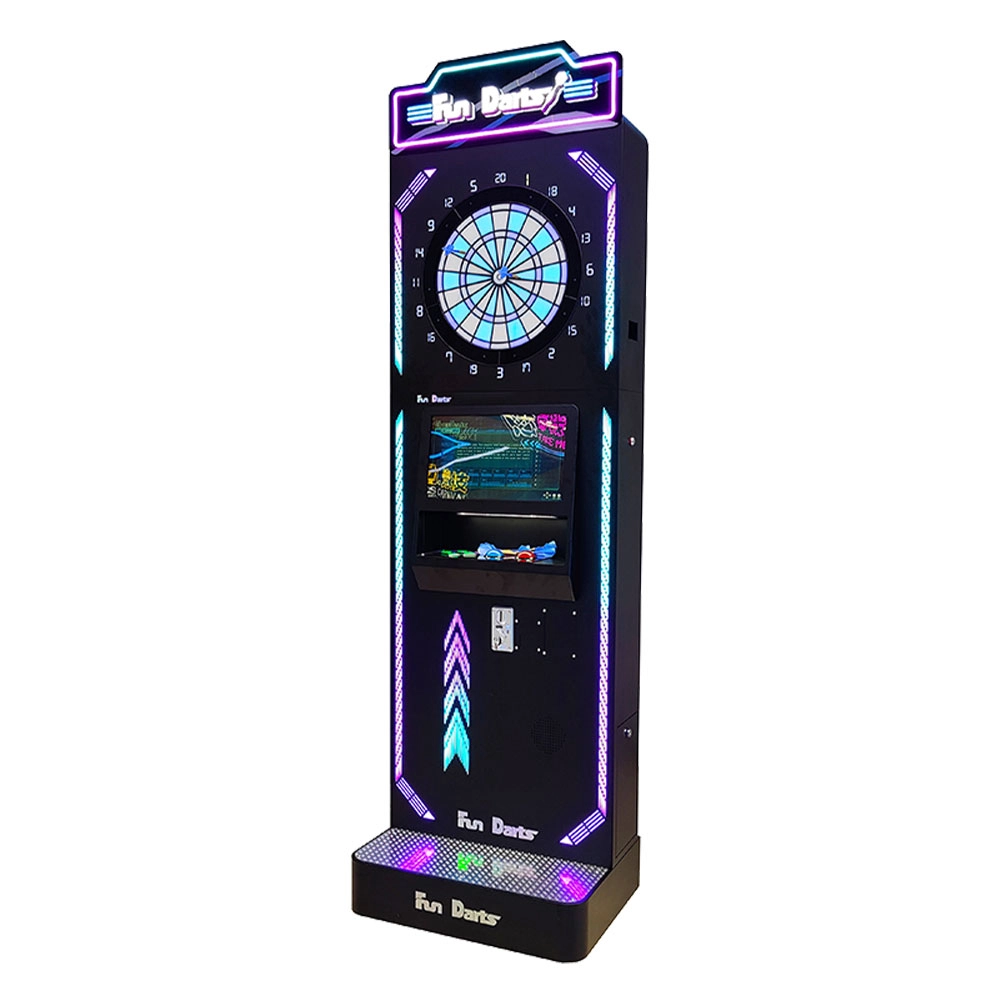
Neofuns Coin Operated Arcade Game Fun Darts Machine V –Cool Streamlined Appearance and Lighting Stand-Up Dart Machine for Arcade & Entertainment Venue
This smart dartboard seamlessly blends classic sport with cutting-edge tech,enjoy 30+ game modes and real-time multiplayer battles with dynamic animations. Professional self-healing sisal board with replaceable surfaces ensures durability for both training and entertainment.
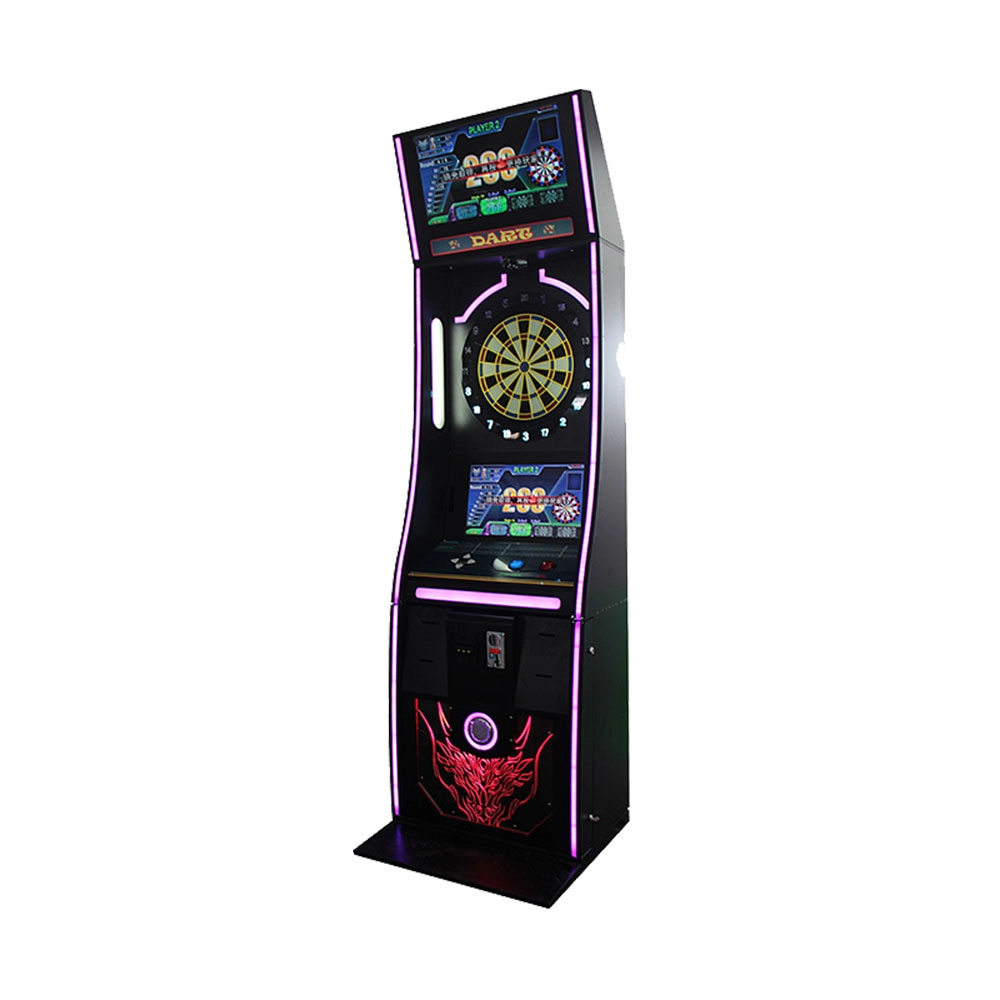
Neofuns Coin Operated Arcade Game Fun Darts Machine I – 32-inch Display on the Top Featuring Coin-operated And Arcade-style Designs
Equipped with high-precision infrared sensors, it tracks dart trajectories in real time and auto-scores, eliminating manual errors for fair competition. 30+ built-in game modes (e.g., "301 Battle, Fun Training") cater to all skill levels, supporting solo play, local multiplayer, and global online matches. Monetize via pay-per-play, sponsored tournaments, or brand partnerships (commercial); a one-time investment unlocks lifelong family entertainment.
Get in touch with us
If you have any comments or good suggestions, please leave us a message, later our professional staff will contact you as soon as possible.
Leading Electronic Dart Machine Manufacturer
NEOFUNS
NEOFUNS
NEOFUNS