


Send My Customization Request
Light
Dark
System
Maintenance: Cleaning and Replacing Dart Board Parts
This comprehensive guide explains how to clean, maintain, and replace parts on Electronic Dart Boards. It covers routine cleaning, sensor and segment replacement, power and firmware checks, troubleshooting, tools, maintenance schedules, safety tips, and choosing OEM vs aftermarket parts. Includes practical tables, cost/complexity guidance, and FAQs. Neofuns Amusement Equipment Co., Ltd. is introduced as a leading dart machine supplier and service provider.
- How to Keep Your Electronic Dart Board Tournament-Ready
- Why maintenance matters for Electronic Dart Boards
- Tools and supplies you’ll need (commercial and home use)
- Routine cleaning: step-by-step for Electronic Dart Boards
- Cleaning do’s and don’ts (safety and longevity)
- Diagnosing common issues and quick fixes for Electronic Dart Boards
- Cleaning and replacing specific parts (what to expect)
- Replacing sensor segments and matrix repair (practical guidance)
- Firmware, calibration, and software maintenance
- Choosing replacement parts: OEM vs aftermarket
- Cost and downtime planning (practical guidance)
- Storage, transport, and environmental considerations
- When to call a professional
- Neofuns Amusement Equipment — manufacturer capabilities and advantages
- Maintenance checklist (printable / technician use)
- FAQ
- 1. How often should I clean an Electronic Dart Board?
- 2. Can I use water or household cleaners on my electronic dart board?
- 3. My board shows dead zones after a few months — what should I check first?
- 4. Are aftermarket parts safe to use for repairs?
- 5. How do I update firmware on an Electronic Dart Board?
- 6. Where can I order replacement parts or get professional service?
- Contact & Product Inquiry (CTA)
- References and further reading
How to Keep Your Electronic Dart Board Tournament-Ready
Electronic Dart Boards are reliable, durable entertainment devices used in homes, bars, arcades, and FECs (Family Entertainment Centers). Proper maintenance — routine cleaning, timely replacement of worn parts, and calibration — keeps score accuracy high, extends product life, and minimizes downtime. This guide draws on industry best practices and hands-on experience to give venue operators and enthusiasts a clear, verifiable maintenance workflow.
Why maintenance matters for Electronic Dart Boards
Electronic Dart Boards combine soft-tip materials, LED/optical sensors or conductive matrices, and embedded electronics. Small build-up of rubber, dust, or metal filings and gradual wear of segments or sensors causes misreads, dead zones, or intermittent power issues. For commercial operators, unplanned downtime hurts revenue and customer satisfaction. For home users, regular care preserves the board’s accuracy and appearance.
Tools and supplies you’ll need (commercial and home use)
- Soft-bristle brush and compressed air (canned or a small air compressor) for dust removal
- Microfiber cloths and lint-free swabs
- Isopropyl alcohol (70–90%) for plastic and PCB-safe cleaning
- Small screwdriver set (Phillips, flat, Torx depending on model)
- Multimeter for voltage and continuity checks
- Soldering iron & solder (for advanced repairs on connectors or trace repairs)
- Replacement soft-tip dart segments / sensor modules (OEM if available)
- ESD wrist strap and grounding mat when working on PCBs
Routine cleaning: step-by-step for Electronic Dart Boards
Frequency: light cleaning weekly in heavy-use locations; monthly in moderate-use; quarterly in low-use. Always disconnect mains power before starting.
- Power down and unplug the unit. Remove batteries if present.
- Use compressed air to blow out the cabinet interior and the target surface to remove loose rubber dust and dart filings. Hold air can upright and keep 10–20 cm distance.
- Soft-brush the target face to dislodge lodged tip fragments in soft segments. Avoid aggressive scraping that can deform plastic segments.
- For LED windows, displays, and plastic bezels: wipe with a microfiber cloth dampened with a little isopropyl alcohol. Do not saturate; avoid any liquid ingress into seams.
- Clean connectors and exposed contacts with a lint-free swab lightly moistened with isopropyl alcohol; let fully dry before reconnecting.
- Inspect cable harnesses and AC adapters for wear, brittle insulation, or hot spots. Replace suspicious power cords immediately.
Cleaning do’s and don’ts (safety and longevity)
- Do: unplug before maintenance, use ESD precautions for PCB work, follow manufacturer instructions for disassembly.
- Don’t: spray cleaners directly into the board, use household solvents (acetone) that soften plastics, or immerse any part in liquid.
- Do: use OEM spare parts for sensors or PCB modules when available to preserve calibration and warranty.
Diagnosing common issues and quick fixes for Electronic Dart Boards
Problem: Missed hits or dead zones on the scoring matrix. Likely causes: clogged segment holes, failing sensor traces, worn soft segments, or loose connector.
Troubleshooting flow:
- Visually inspect the target face for lodged darts/fragments. Clean as above.
- Run a self-test or diagnostic mode if the board has one (consult manual). Many models report sensor failures or segments offline.
- Swap input wiring to isolate between front matrix and PCB; use a multimeter to check continuity on suspect harnesses.
- If a specific quadrant fails, remove the face module (if modular) and inspect the backside PCBs and connectors for corrosion or cracked traces. Resolder or replace connector boards as appropriate.
- Replace worn soft-tip segments and verify calibration after reassembly.
Cleaning and replacing specific parts (what to expect)
The following table summarizes common parts, typical lifespans (use-based), replacement complexity, and maintenance notes. Lifespans are industry-informed estimates based on commercial-use patterns.
| Part | Typical Lifespan (commercial use) | Replacement Complexity | Key Maintenance Actions |
|---|---|---|---|
| Soft-tip dart segments / target face | 1–5 years (depends on use intensity) | Low–Medium (tool access required) | Regular brushing, replace worn or cracked segments, use OEM replacements if possible |
| Sensor matrix (membrane/optical strips) | 2–8 years | Medium–High (may require PCB removal) | Keep free of debris; calibrate after replacement; inspect solder joints |
| Power adapter / PSU | 3–10 years (depending on quality) | Low (external plug-in) to Medium (internal PSU) | Check voltages; replace at first sign of intermittent power or overheating |
| LED display / driver boards | 3–10 years | Medium | Keep vents clear; avoid moisture; replace defective modules |
| Control PCB / microcontroller | 5–15 years | High (electronic diagnostics required) | Firmware updates; avoid ESD; replace or repair where necessary |
Replacing sensor segments and matrix repair (practical guidance)
Many modern Electronic Dart Boards use multi-segment plastic faces with embedded sensor elements. When replacing segments:
- Source the right part: check model number and part code. If available, order OEM replacement modules for plug-and-play fit and firmware compatibility.
- Document connector positions and take photos before removing parts to ease reassembly.
- When removing the matrix PCB, use ESD protection and avoid bending or flexing the board to prevent cracked traces.
- If only a small number of sensor traces are failing, targeted trace repair or jumper wires can be a cost-effective fix. This requires soldering skill and continuity testing.
- After replacement, run calibration routines per the manual — many boards require a sensor re-map to align the scoring algorithm with the new segments.
Firmware, calibration, and software maintenance
Electronic Dart Boards with embedded software benefit from occasional firmware updates — updates can fix scoring bugs, add game modes, and improve sensor handling. Steps:
- Check the manufacturer’s website or support portal for updates and release notes.
- Read update instructions carefully: some updates require connecting a PC via USB, others use SD cards.
- Back up configuration settings before applying updates when possible.
- After update, run full diagnostic tests and a calibration routine.
Choosing replacement parts: OEM vs aftermarket
For commercial installations, OEM parts generally offer the best fit, proven compatibility, and often carry warranties. Aftermarket parts can be cheaper but may require additional calibration or mechanical adaptation. When choosing:
- Prioritize OEM for control PCBs, sensor modules, and power supplies in high-use environments.
- For cosmetic pieces like facias or bezels, aftermarket may suffice if cost is a key factor.
- Keep a small stock of high-failure items (power adapters, soft segments, fuses) to reduce downtime.
Cost and downtime planning (practical guidance)
Instead of precise universal prices, plan for three categories of replacement intervention:
| Intervention | Typical Time to Repair | Operational Impact |
|---|---|---|
| Small part swap (power adapter, fuse, soft segment) | 15–60 minutes | Low; minimal downtime |
| Sensor module replacement or display module swap | 1–3 hours | Moderate; may require calibration |
| Control PCB replacement or major electronics repair | Half-day to multiple days (if parts need ordering) | High; consider replacement unit to minimize lost revenue |
Tip: For businesses with multiple units, consider a hot-swap spare board or a relationship with a local service partner for faster turnarounds.
Storage, transport, and environmental considerations
Keep Electronic Dart Boards in controlled environments. Avoid excessive humidity (>60%), direct sunlight (can fade plastics and damage electronics), and extreme temperatures. When transporting, use protective packing and secure internal modules to prevent board bending and connector stress.
When to call a professional
If you encounter persistent sensor failures across multiple segments, burnt components on PCBs, or intermittent power faults after replacing the adapter, escalate to a qualified technician. For venues, a service contract with a manufacturer-authorized partner reduces risk and often preserves warranty coverage.
Neofuns Amusement Equipment — manufacturer capabilities and advantages
Neofuns Amusement Equipment Co., Ltd. is a comprehensive supplier in Guangdong specializing in game center operations, prize vending machines, FEC solutions, and leisure & amusement equipment. Their product range covers claw machines, prize and redemption games, boxing and basketball games, and various sport game series including dart machines and Electronic dart machines. Key competitive advantages:
- Full-service offering: OEM/ODM development, product purchase, whole amusement center design, and after-sales one-stop service.
- International certifications: factory certifications from Bureau Veritas (BV) and TÜV Rheinland; product-level CE, C-Tick, RoHS, and UL for many items — showing commitment to safety and international markets.
- Experienced R&D and participation in large-scale industry exhibitions since 2012, providing visibility and industry validation.
- Focus on dart solutions: investing to become a world-leading dart machine manufacturer and supplying both stand-alone machines and integrated arcade solutions.
Neofuns provides spare parts, repairs, and OEM replacement components for commercial Electronic dart boards. For spec sheets and product inquiries, visit: https://www.neofunsdarts.com/.
Maintenance checklist (printable / technician use)
- Daily: Visual check for damage, ensure power and display function.
- Weekly (high-use): Blow out dust, quick surface wipe, inspect for lodged tips.
- Monthly: Deep clean with isopropyl alcohol, check connectors, run diagnostics.
- Quarterly: Inspect internal wiring and PSU, update firmware if available, replace high-wear components if needed.
- Annually: Full service including PCB inspection, calibration, and stock replacement of worn components.
FAQ
1. How often should I clean an Electronic Dart Board?
For commercial locations, perform light cleaning weekly and a deeper clean monthly. Home users can clean monthly or as needed. Adjust frequency based on play volume.
2. Can I use water or household cleaners on my electronic dart board?
No. Use a microfiber cloth and isopropyl alcohol. Avoid water and household solvents that can damage plastics and electronics or allow liquid ingress.
3. My board shows dead zones after a few months — what should I check first?
Start with cleaning lodged fragments and dust. Run the board’s diagnostic if available. Inspect connectors and harnesses for corrosion or loose contacts. If the issue persists, the sensor matrix or PCB may need repair or replacement.
4. Are aftermarket parts safe to use for repairs?
Aftermarket parts can be used for low-risk cosmetic items. For sensors, PCBs, and PSUs in commercial use, OEM parts are recommended to preserve calibration, reliability, and warranty coverage.
5. How do I update firmware on an Electronic Dart Board?
Consult the manufacturer’s support page for your model. Updates may be applied via USB, SD card, or Wi‑Fi depending on the unit. Always back up settings and follow instructions precisely.
6. Where can I order replacement parts or get professional service?
Contact your board manufacturer or an authorized service partner. For a comprehensive supplier with OEM/ODM capabilities and spare parts for dart machines, see Neofuns Amusement Equipment: https://www.neofunsdarts.com/.
Contact & Product Inquiry (CTA)
If you operate a venue or need OEM dart machine solutions, spare parts, or maintenance support, contact Neofuns Amusement Equipment Co., Ltd. for quotes, service contracts, and turnkey amusement center design. Visit: https://www.neofunsdarts.com/ to view products and request consultation.
References and further reading
- Dartboard. Wikipedia. https://en.wikipedia.org/wiki/Dartboard (accessed 2025-12-16)
- iFixit Guides (general electronics cleaning and repair best practices). https://www.ifixit.com/Guide (accessed 2025-12-10)
- TÜV Rheinland (company and testing overview). https://www.tuv.com/ (accessed 2025-12-12)
- Bureau Veritas (corporate testing and certification). https://group.bureauveritas.com/ (accessed 2025-12-12)
- Neofuns Amusement Equipment Co., Ltd. official site — company profile and product info. https://www.neofunsdarts.com/ (accessed 2025-12-16)
Tags
Neofuns coin operated electronic dart machine
Neofuns coin operated electronic dart machine
multiplayer arcade dart game
multiplayer arcade dart game
coin operated multiplayer dart machine for arcade
coin operated multiplayer dart machine for arcade
commercial electronic dart game
commercial electronic dart game
electronic dart board machines
electronic dart board machines
professional dart board machine
professional dart board machine
Recommended for you
Troubleshooting Common Electronic Dart Machine Issues
Best Dart Board Arcade Machines 2025: Top Picks and Reviews
Best digital dart board manufacturers and supplier brands in us 2026
Best Electronic Dart Boards manufacturers and supplier brands in us
Prdoucts Categories
Question you may concern
Darts Machine
Whether to provide perfect after-sales service?
Yes,24-hour Online Service,supporting multi-language online technology and after-sales support,1-year free warranty for core accessories,and lifetime maintenance.
What game modes are included?
Choose from classics like 301, 501, Cricket, and "Killer," plus fun mini-games (e.g., Target Practice, Zombie Mode). Regular free software updates add new challenges!
Whether to support samples?
Yes, minimum order 1 unit,customer pays sample fee and shipping fee.
Purchase & Installation
How to install the machine? Do I need professionals?
Easy installation, video tutorials are provided, customers can install it by themselves.
After-Sales Service
What is the warranty?
1-year free warranty for core accessories, and lifetime maintenance.
You may also like

Neofuns Coin Operated Arcade Game Fun Darts Machine Max – Electronic Dartboard with 32-inch HD Touch Screen for Family Entertainment Center
This smart dartboard perfectly combines classic sports with cutting-edge technology. Based on Fun Darts 5, it is designed with a high-definition touch screen and split installation, which is simple and fashionable. The professional self-repairing sisal target surface is replaceable and durable, making it easy to use for both training and entertainment.
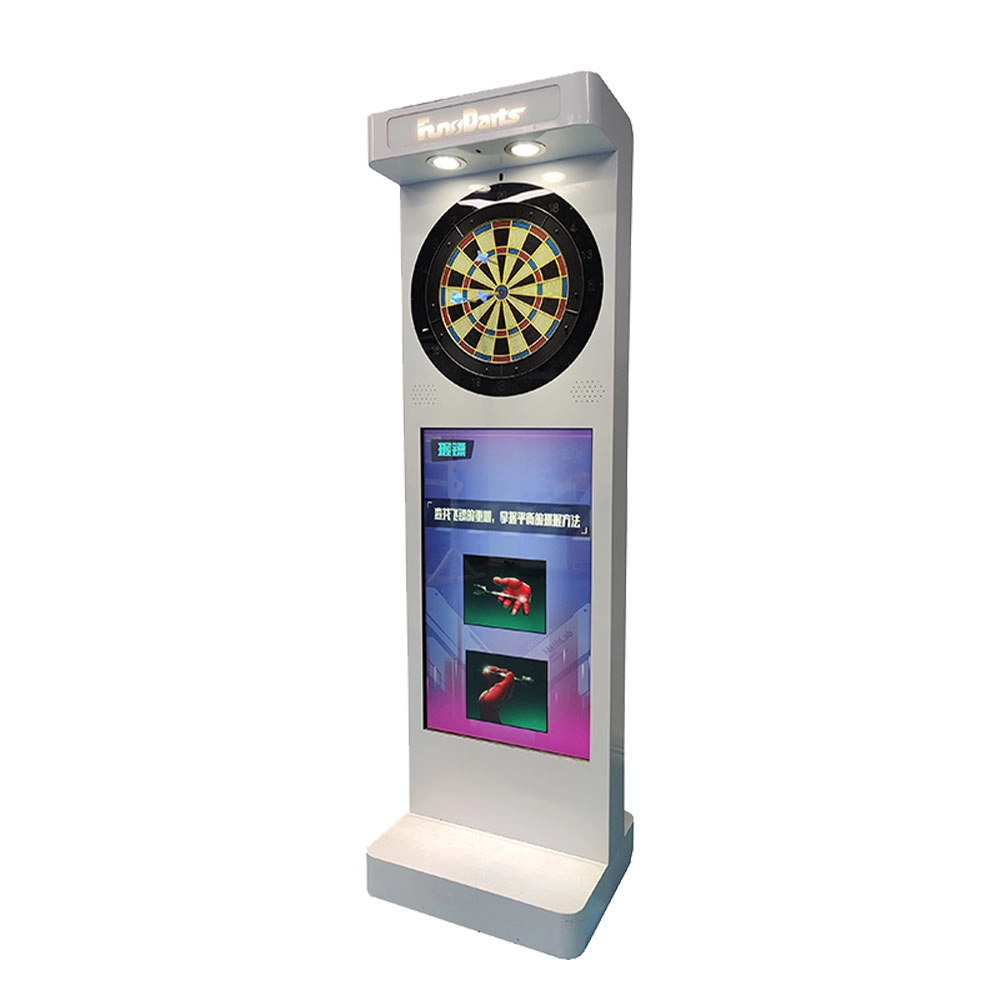
Neofuns Electronic Arcade Darts Machine S – Coin Operated Fun Dart Game with Soft Tip & Metal Tip Options, Stand-Up Electronic Dartboard for Arcade
Create private leagues for corporate unions, clubs, or friends with customizable rules (e.g., round-robin, knockout), syncing team rankings and individual contributions to boost collaboration. Branded interfaces and dartboards for company-themed tournaments.
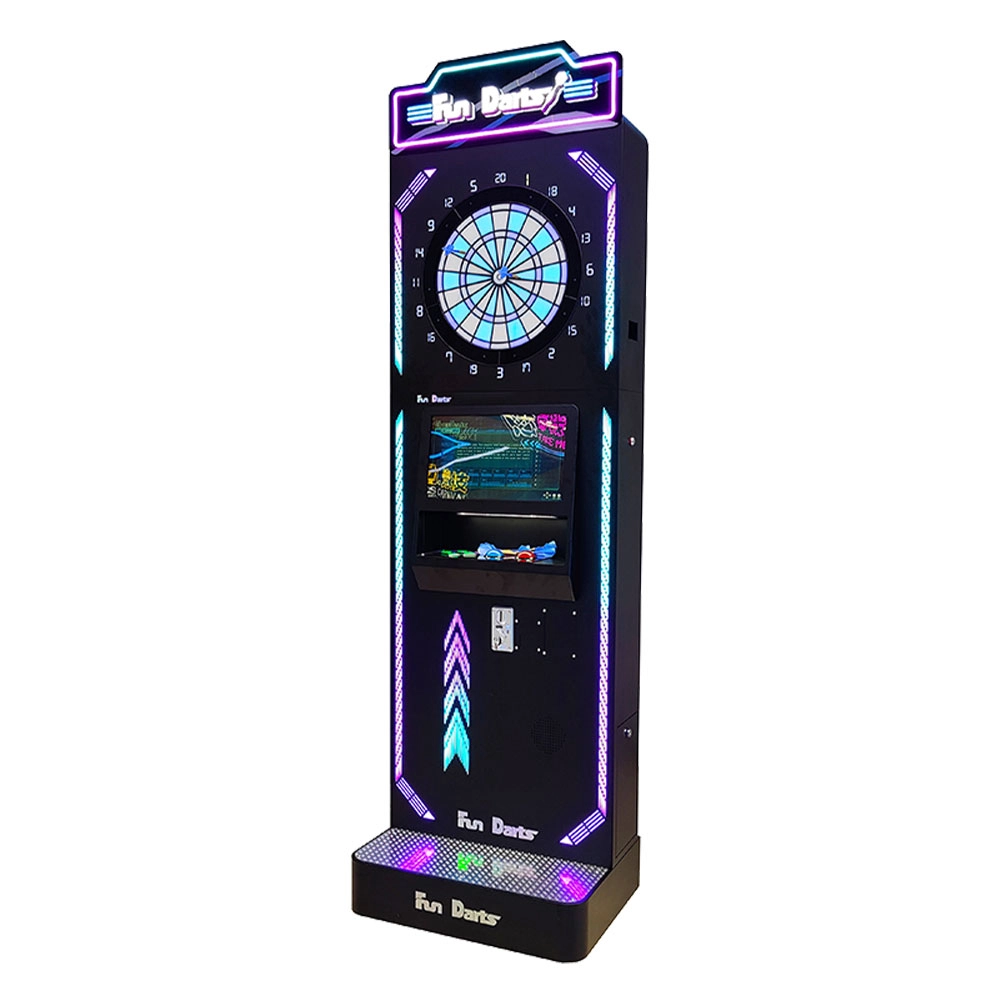
Neofuns Coin Operated Arcade Game Fun Darts Machine V –Cool Streamlined Appearance and Lighting Stand-Up Dart Machine for Arcade & Entertainment Venue
This smart dartboard seamlessly blends classic sport with cutting-edge tech,enjoy 30+ game modes and real-time multiplayer battles with dynamic animations. Professional self-healing sisal board with replaceable surfaces ensures durability for both training and entertainment.
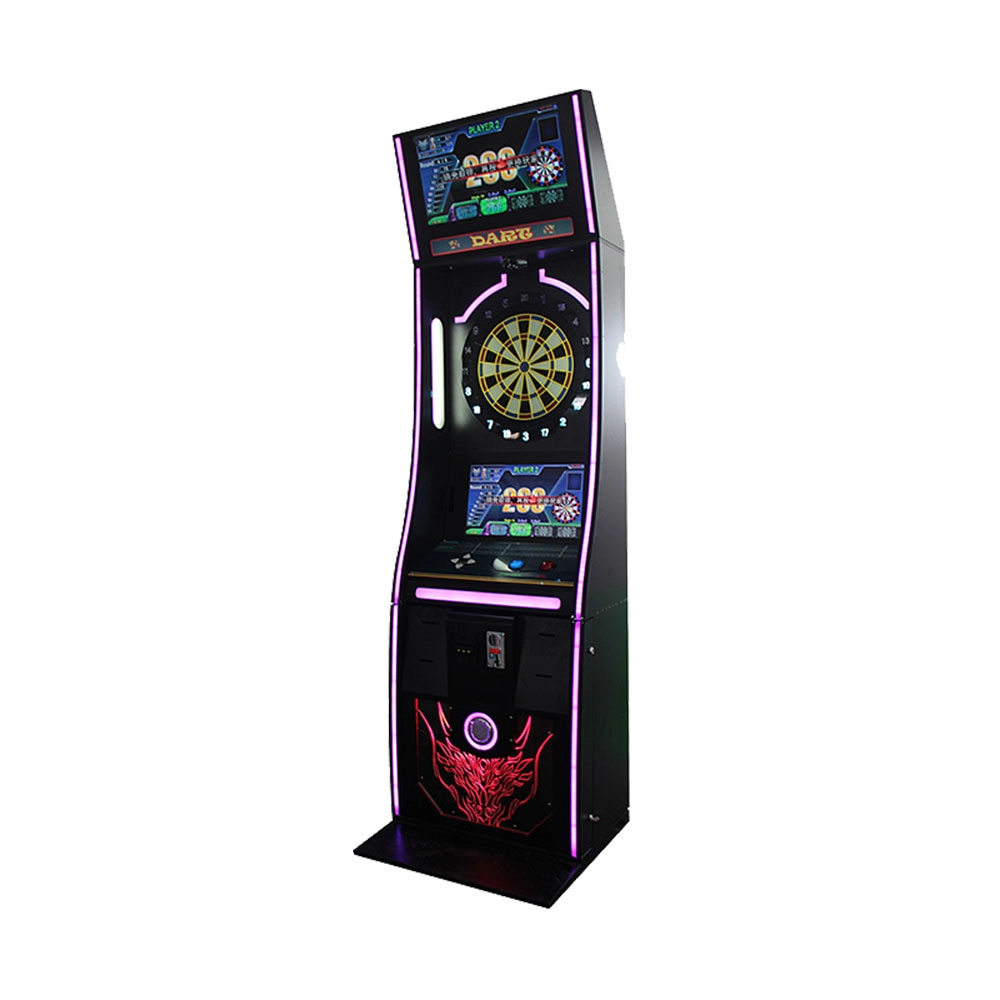
Neofuns Coin Operated Arcade Game Fun Darts Machine I – 32-inch Display on the Top Featuring Coin-operated And Arcade-style Designs
Equipped with high-precision infrared sensors, it tracks dart trajectories in real time and auto-scores, eliminating manual errors for fair competition. 30+ built-in game modes (e.g., "301 Battle, Fun Training") cater to all skill levels, supporting solo play, local multiplayer, and global online matches. Monetize via pay-per-play, sponsored tournaments, or brand partnerships (commercial); a one-time investment unlocks lifelong family entertainment.
Get in touch with us
If you have any comments or good suggestions, please leave us a message, later our professional staff will contact you as soon as possible.
Leading Electronic Dart Machine Manufacturer
NEOFUNS
NEOFUNS
NEOFUNS